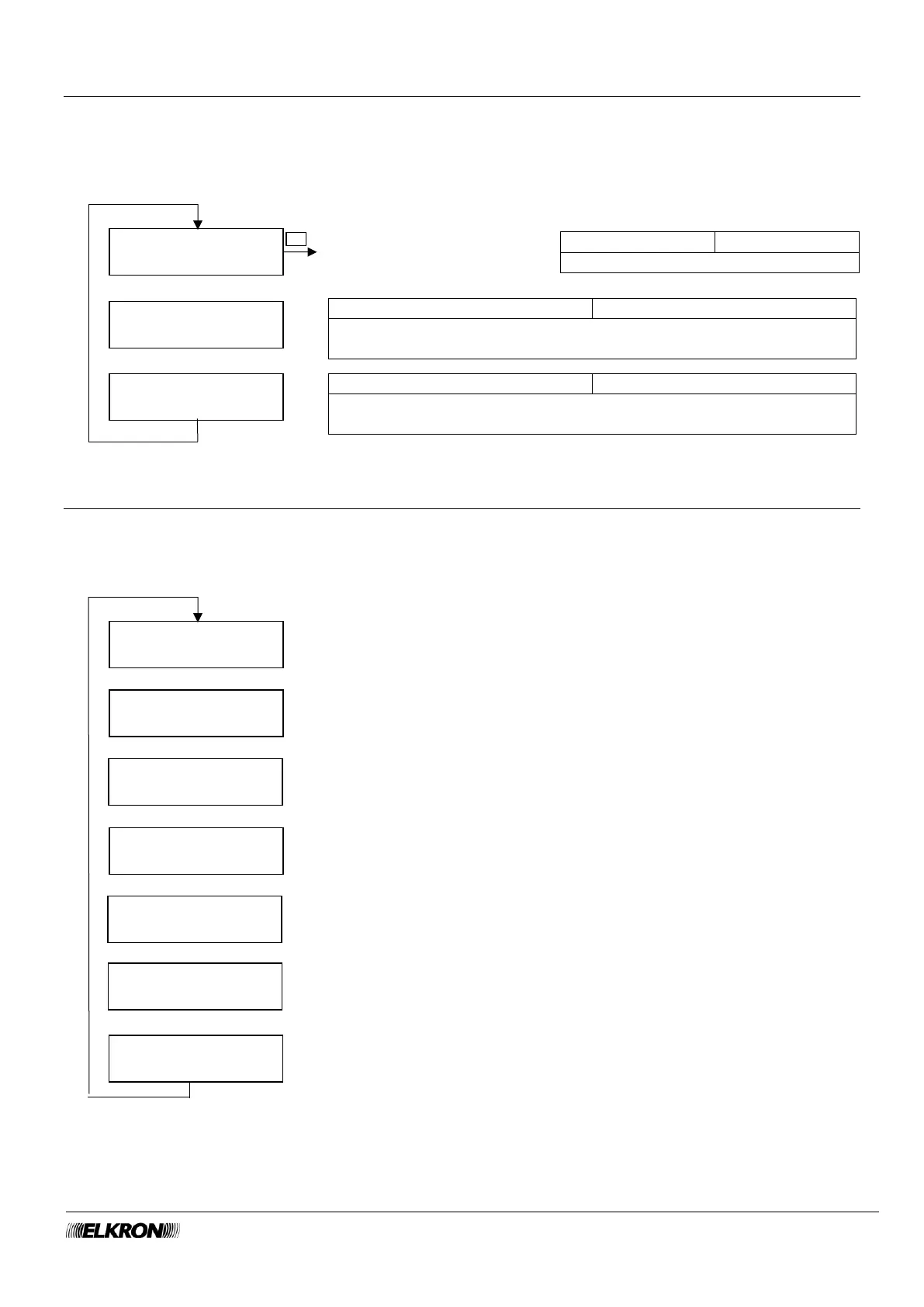
8.17 Maintenance menu
This can be used to view and delete the event history and to reset the control panel to default values either
partially or totally.
Available for Installer when the system is not armed.
It is accessed through the Main Menu → MAINTENANCE menu.
8.18 System Info menu
This can be used to view the type of control panel, installed software, system name and identification code.
Available for Master, Installer.
It is accessed through the Main Menu → SYSTEM INFO menu.
Press the OK button and follow the instructions to perform the partial
reset. See the Installation Manual for more information.
Press the OK button and follow the instructions to perform the total
reset. See the Installation Manual for more information.



 To Next Page