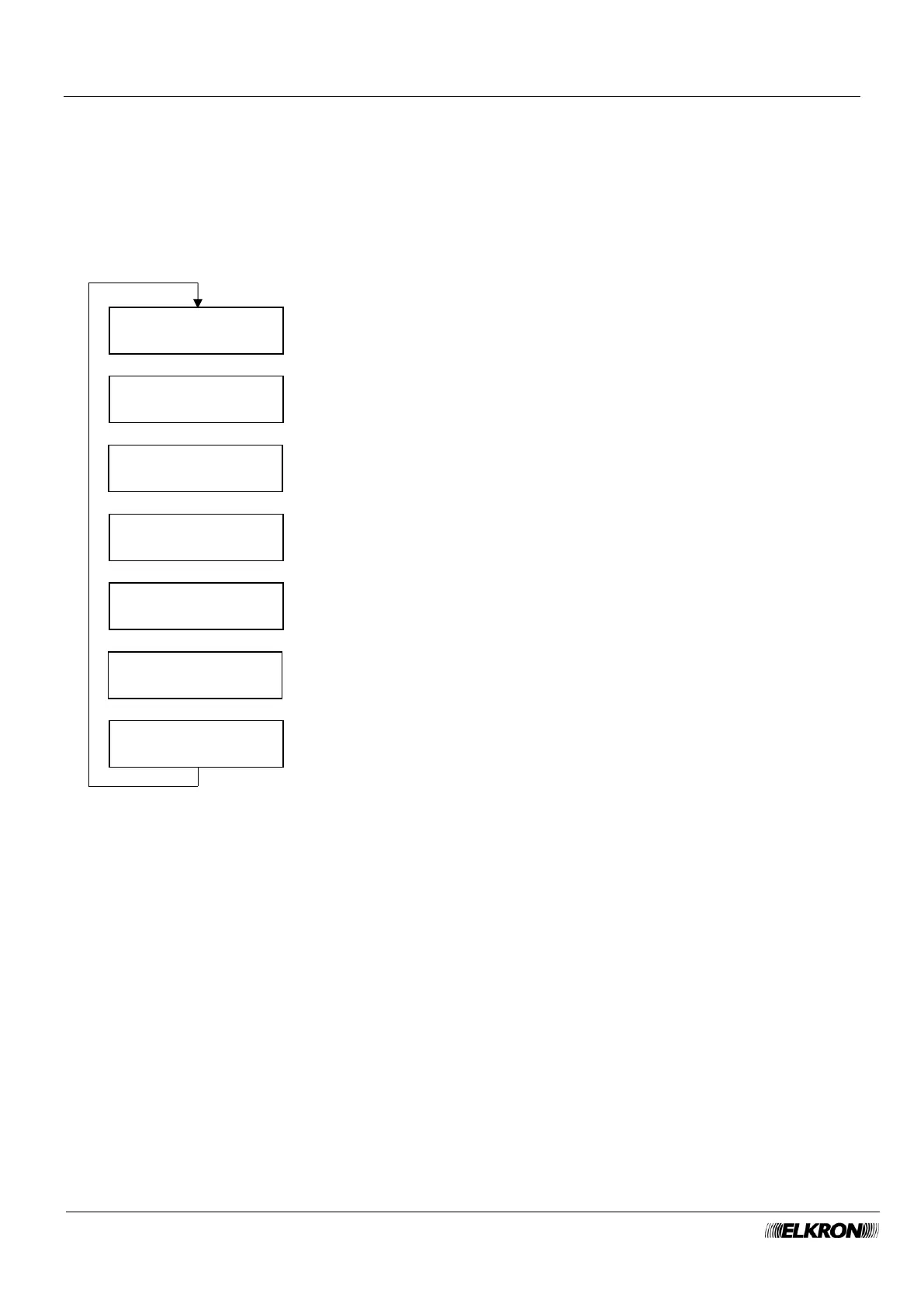
8.30 Connectivity LAN Port menu
This can be used to configure the Ethernet connection.
If LAN Port is disabled, the other parameters do not appear.
If you enable CLIENT DHCP, IP, SUBNET MASK, GATEWAY, DNS PRIM. and DNS SECOND will not
appear.
See paragraph 4.4.1 LAN for more details.
Available for Master, Installer.
It is accessed through the Main Menu → CONNECTIVITY → CONNECTIVITY PORTA LAN menu.
Change the parameter with the ► and ◄ buttons.
SUBNET MASK
255.255.255.0
Change the parameter with the ► and ◄ buttons.
Press OK to enter the value.
This appear only if DHCP is disabled.
Press OK to enter the value.
This appear only if DHCP is disabled.
Press OK to enter the value.
This appear only if DHCP is disabled.
Press OK to enter the value.
This appear only if DHCP is disabled.
Press OK to enter the value.
This appear only if DHCP is disabled.



 To Next Page