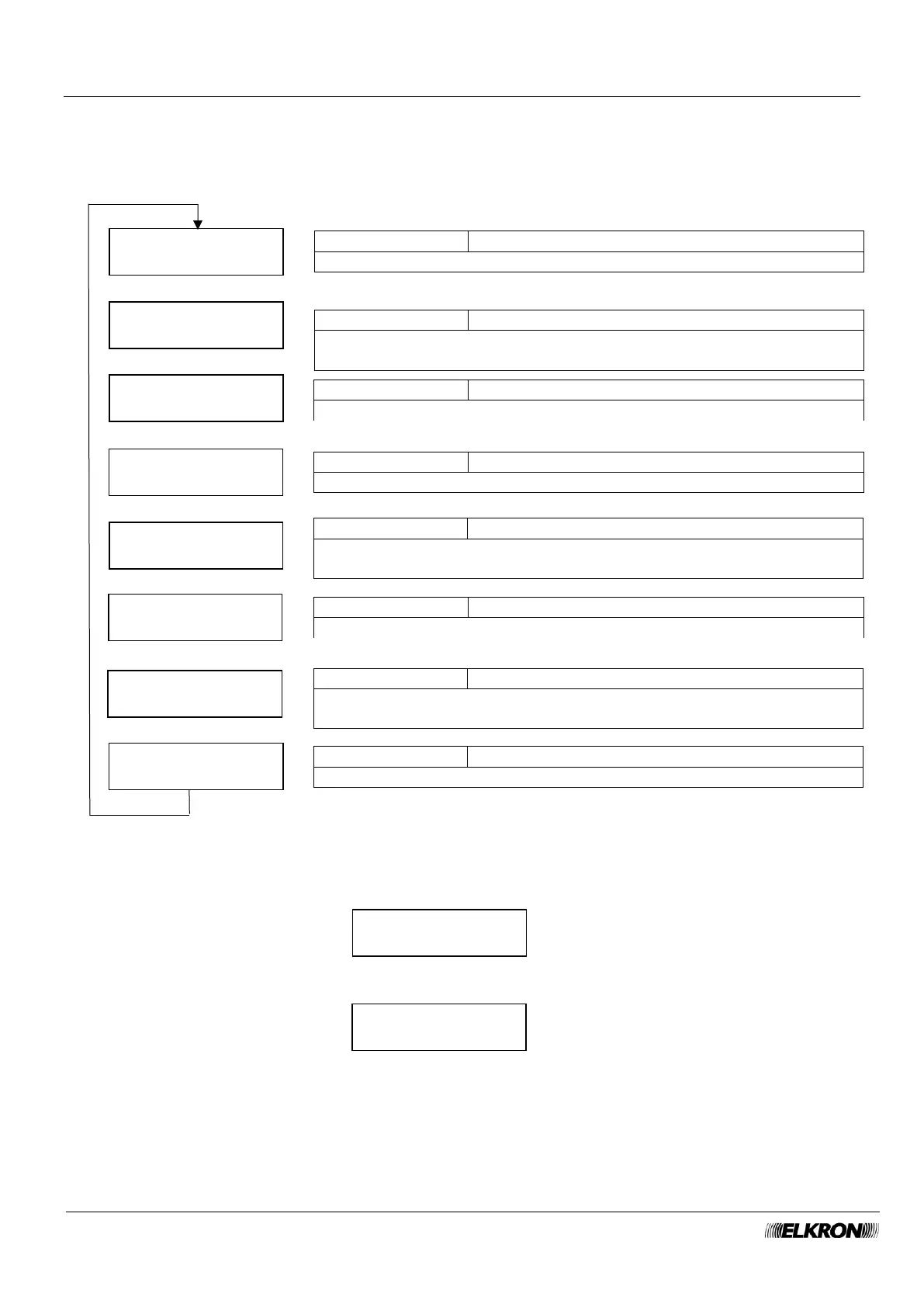
8.16 Output control menu
This can be used to manually activate and deactivate the various configured outputs of the system.
Available for Master, Installer with system not armed.
It is accessed through the Main Menu → COMANDO USCITE menu.
To control the outputs of the displayed device category, press the OK button.
If there are no programmed outputs, the following message will appear
If there are configured outputs, they are displayed in the format
where d.u is the physical address (device and respective output), Unnnn is the sequential logical identifier
of the output in the system and State indicates whether the output is active or deactivated.
Use the ▼ and ▲ buttons to scroll through the output list.
The ► and ◄ buttons can be used to reverse the output status.



 To Next Page