5.24 Zigbee flashers
This can be used to view the ZigBee flashers in the system.
It is accessed through the PROGRAMMATION → Zigbee Peripheral → Zigbee Flashers menu.
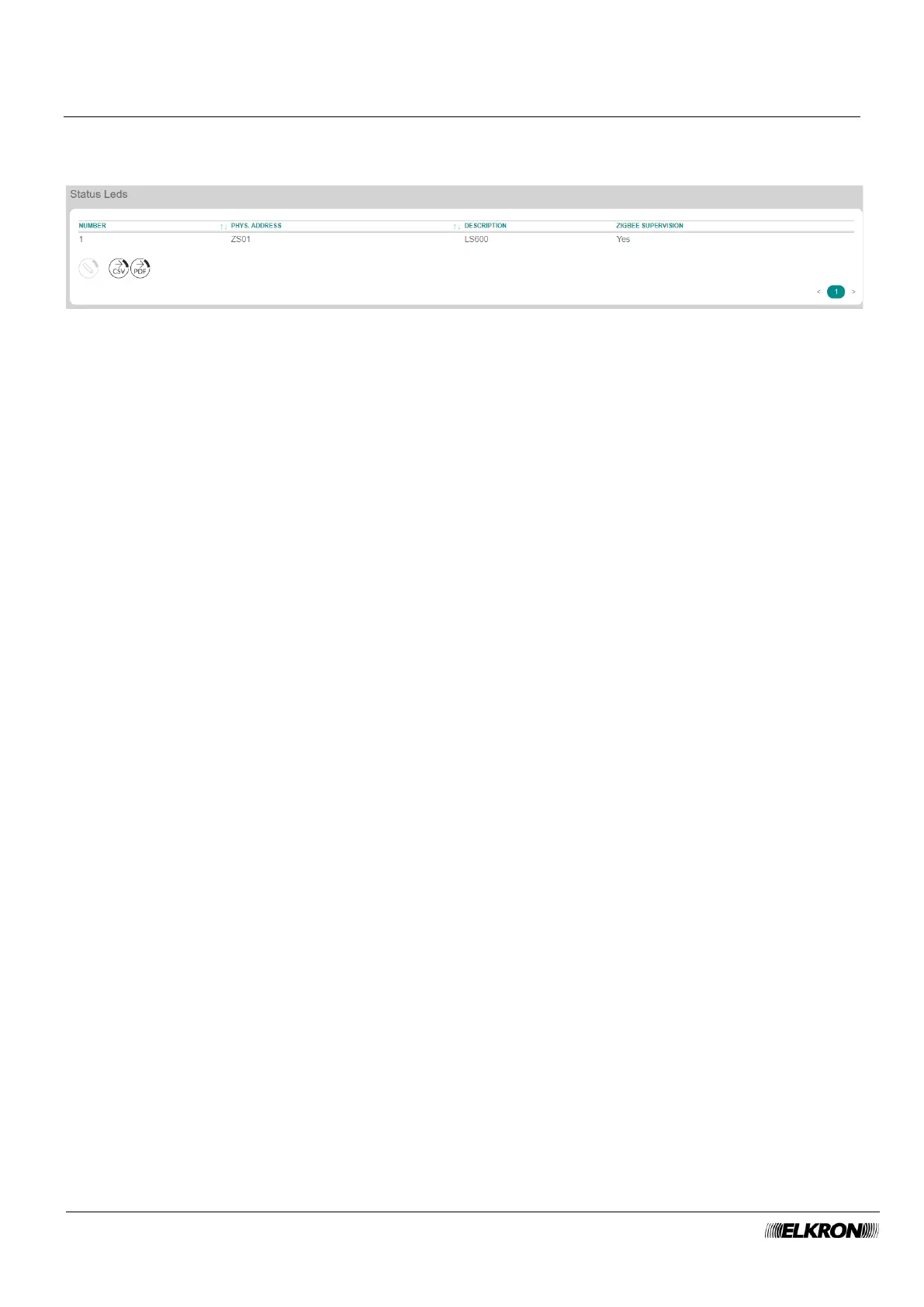
Figure 95 - ZigBee flashers
The table shows:
• NUMEMBER: This is the sequential number of acquisition of the flasher.
• PHYS.ADDRESS: This is the physical address of the flasher.
• DESCRIPTION: This is the alphanumeric label used to identify the flasher more easily.
• ZIGBEE SUPERVISION: This shows whether supervision is enabled or disabled.
Double-click on the flasher line to open a pop-up window.
• Enter the identification label of the flasher in Description. Use only alphabetic characters, including
accented characters, numbers, and spaces.
• Enable or disable ZigBee supervision of the flasher.
The following buttons appear under the table:
• MODIFY: This can be used to configure the flasher highlighted in the table.
• CSV: This can be used to export the flashers table to a “.csv” file, which can be opened with a
spreadsheet.
• PDF: This can be used to export the flashers table to a PDF file.
The < and > buttons at the bottom right are used to navigate between the pages of the flashers, if their
number is greater than the number that can be displayed in a single screen.



 To Next Page