EasyManua.ls Logo

Elkron MEDEA - Settings Menu

Elkron MEDEA
136 pages
Print Icon
To Next Page IconTo Next Page
To Previous Page IconTo Previous Page
Loading...
116
MEDEA Programming Manual
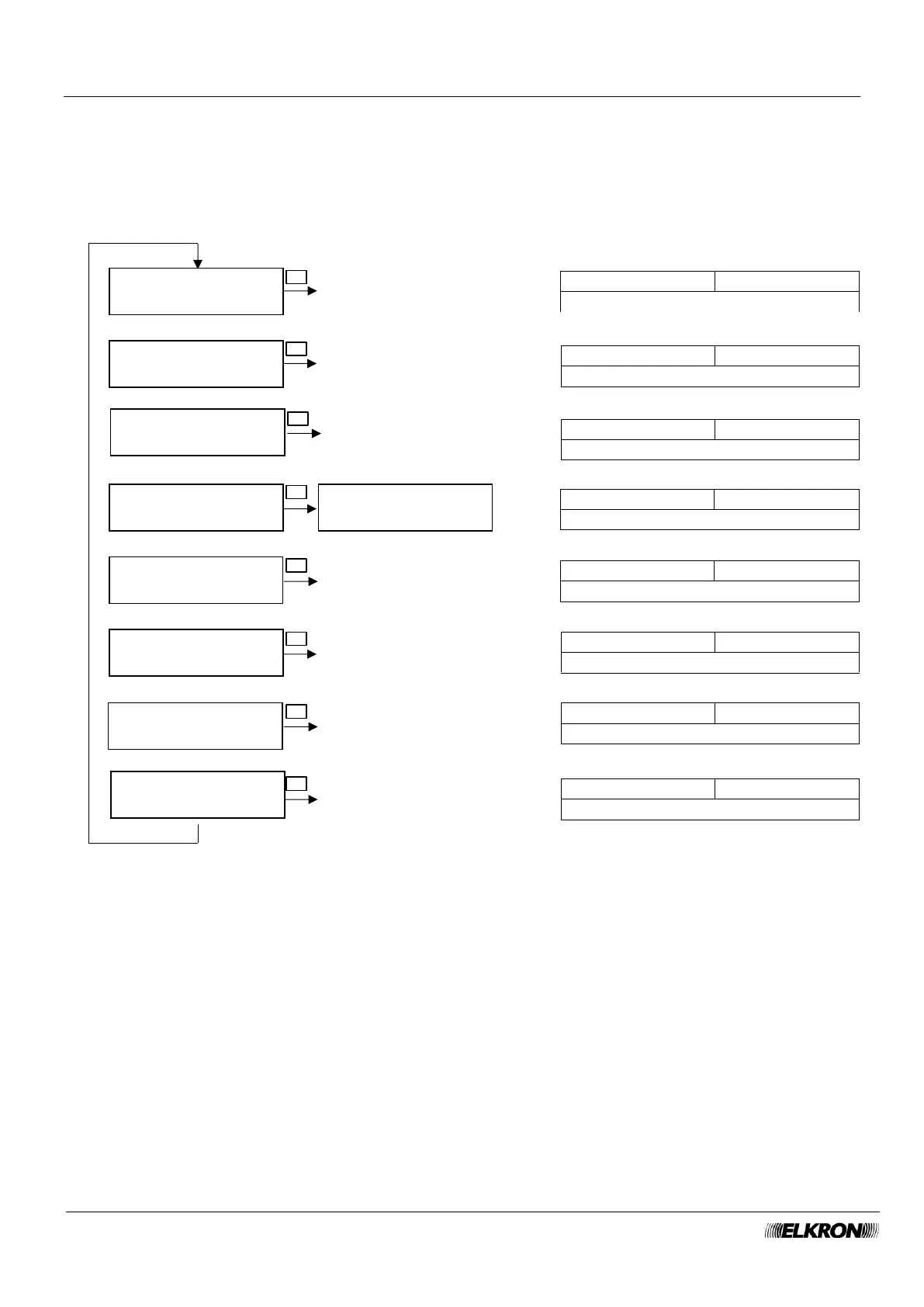
8.12 Settings menu
It can be used to configure isolations, date and time, view on display, change your access code, configure
users and keys, configure phone contacts.
Available for Master (partial), User (partial), Installer, Technical Manager (partial) when the system is not
armed.
It is accessed through the Main Menu SETTING menu.
SETTINGS
ISOLATION
SETTINGS
TIME-DATE
M U T R
Isolate the inputs
SETTINGS
CHANGE CODE
SETTINGS
USERS
SETTINGS
KEYS
SETTINGS
PROGRAM.HOURLY
SETTINGS
CONTACTS
M T
Set time and date of the control panel
M T U R
Change your code only
M U T
Configure users
M T
Configure keys
M T
Configure the time scheduler
M T
Configure phone numbers
Isolation menu
page 122
Time-Date menu
page 122
Users menu
page 123
Keys menu
page 124
Program.Hourly menu
page 126
Contacts menu
page 125
NEW CODE
------
▼ ▲
OK
▼ ▲
OK
▼ ▲
OK
▼ ▲
OK
▼ ▲
OK
▼ ▲
OK
▼ ▲
OK
SETTINGS
DISPLAY
M T
Customise the keypad display
Display menu
page 123
▼ ▲
OK

Table of Contents

Other manuals for Elkron MEDEA