To update the software:
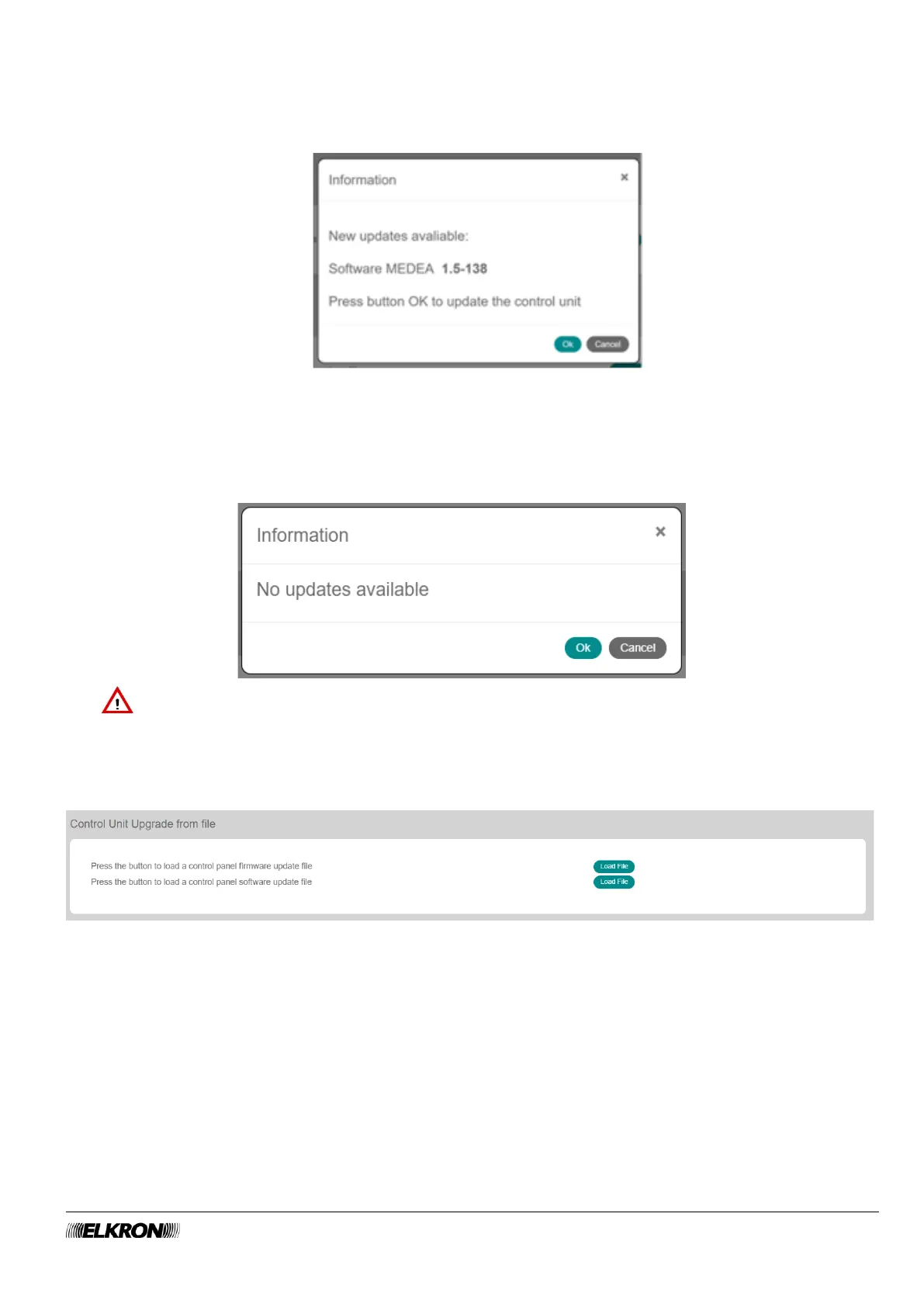
1. Click on the Start button. The control panel checks for new software versions in the cloud. A warning
message displays the new version. Press OK to confirm or press Cancel to cancel the operation.
Figure 9 - Software update confirmation
2. Click on OK.
3. The update starts. A warning message warns you that the update may take a few minutes. The control
panel disconnects and the login page must be accessed again.
4. If there are no updates available it appears:
IMPORTANT! Wait a few minutes before logging in again.
4.1.4 Control Unit Update from File
It is accessed through the. CONFIGURATION → Central Unit → Global Parameters menu.
Figure 10 - Firmware and software update
To update the firmware or software:
1. Click on the corresponding Load File button and select the file to be used (see 9.1 Update file name).
2. Click on Open.
3. The update starts. The login page will appear again at the end.
4. For further updates, enter the configuration program again and repeat the procedure.



 To Next Page