The following buttons appear under the table:
• Modify: This can be used to enable and disable the photo sensor highlighted in the table.
• Remove: This eliminates the photo sensor highlighted in the table.
• CSV: This can be used to export the photo sensors table to a “.csv” file, which can be opened with a
spreadsheet.
• PDF: This can be used to export the photo sensor table to a PDF file.
The < and > buttons at the bottom right are used to navigate between the pages of the photo sensors, if
their number is greater than the number that can be displayed in a single screen.
4.7.2 Detectors with Video Camera
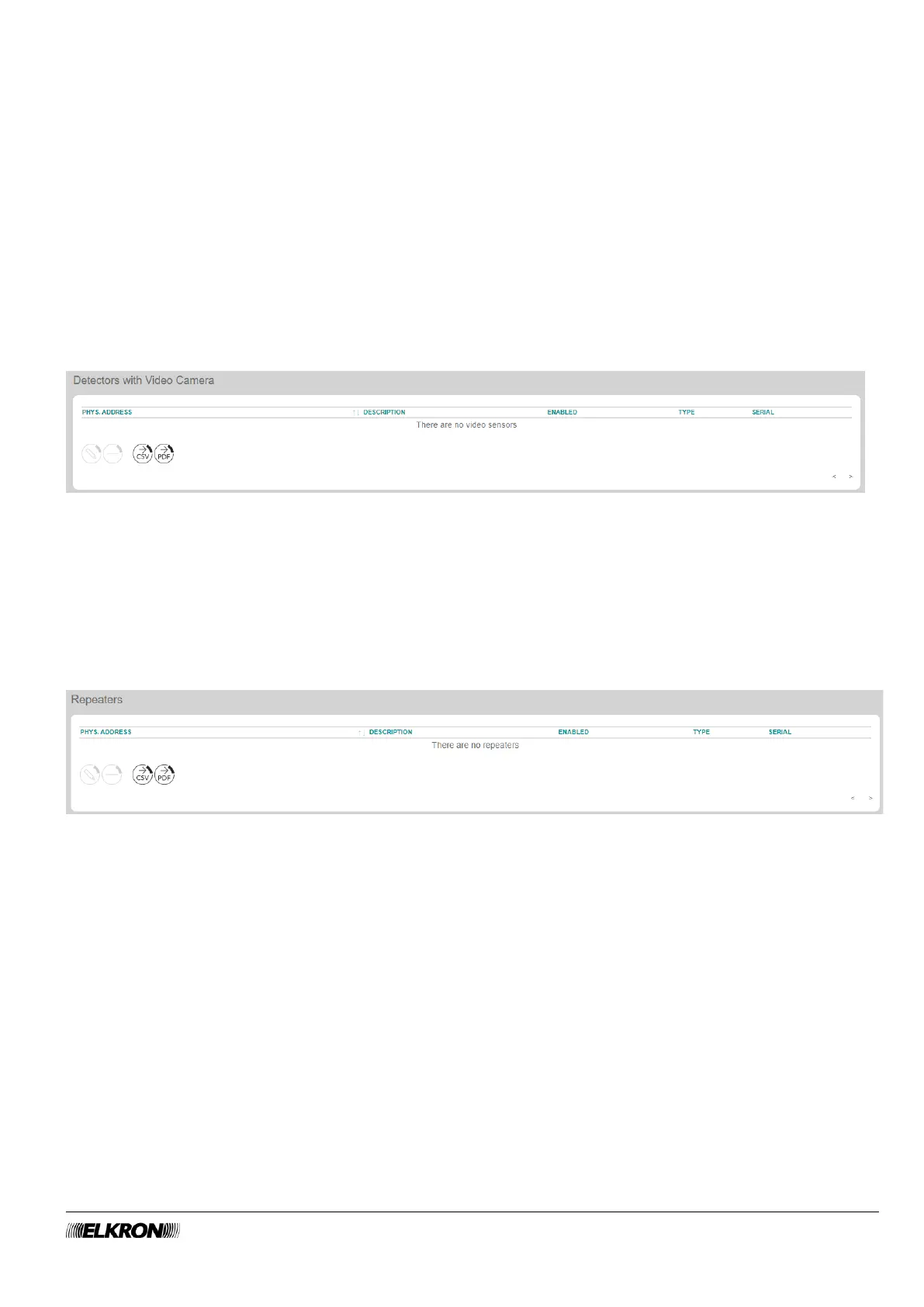
This can be used to enable and disable the ZigBee video sensors.
It is accessed through the CONFIGURATION → Zigbee Peripherals menu.
Figure 35 - ZigBee video sensor
The available parameters and functions are the same as those of the photo sensors (paragraph 4.7.1), to
which you can refer for descriptions.
4.7.3 Repeaters
This can be used to enable and disable the ZigBee repeaters.
It is accessed through the CONFIGURATION → Zigbee Peripherals menu.
Figure 36 - ZigBee repeaters
The available parameters and functions are the same as those of the photo sensors (paragraph 4.7.1), to
which you can refer for descriptions.



 To Next Page