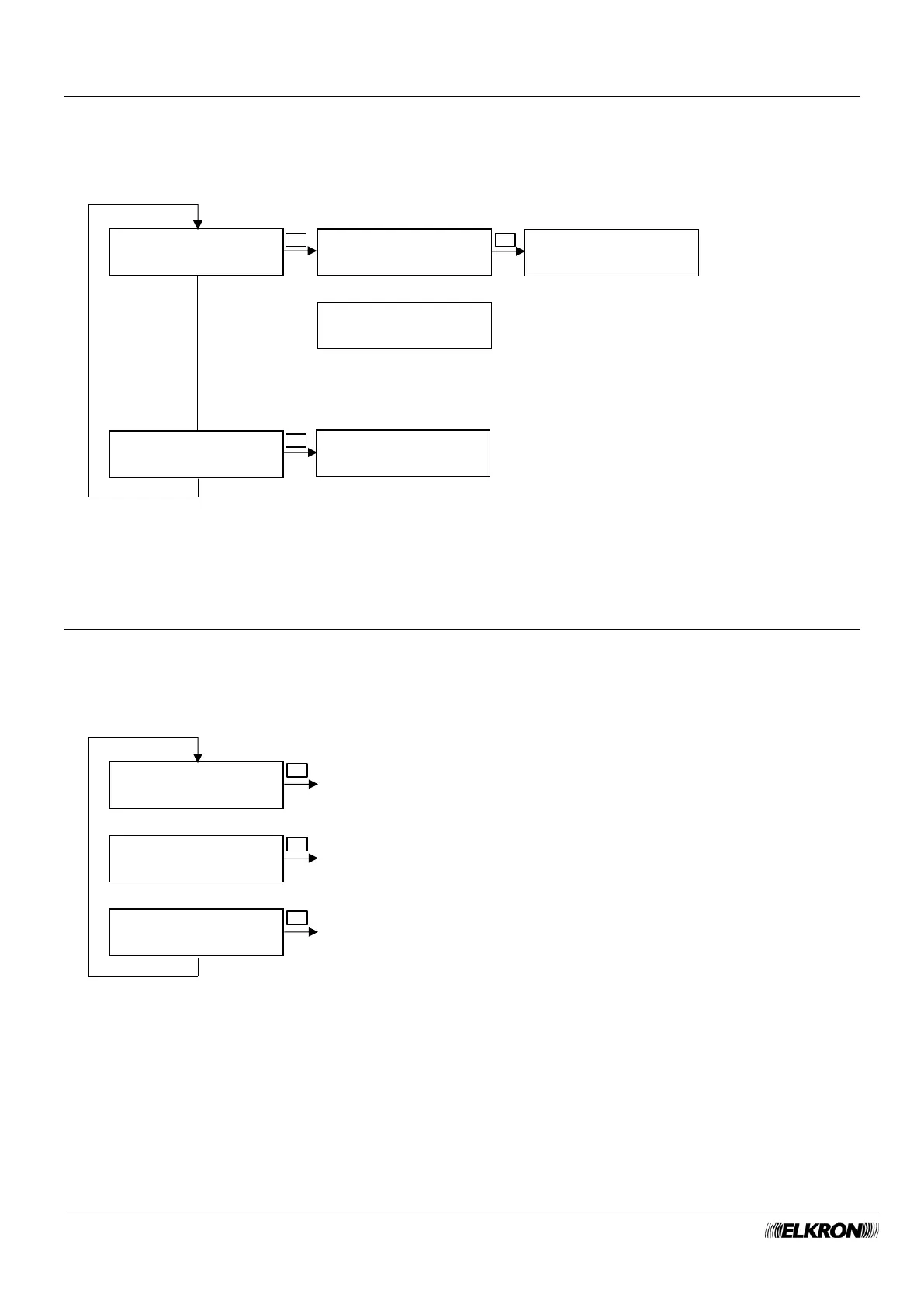
8.19 Isolation menu
This can be used to isolate and remove from isolation inputs and tamper of the control panel.
Available for Master, User, Installer, Technical Manager.
It is accessed through the Main Menu → SETTING → ISOLATION menu.
For insulation status □ = input not insulated, ■ = input insulated.
8.20 Time-Date menu
This is used to set the date and time of the panel.
Available for Master, Installer.
It is accessed through the Main Menu → SETTING → TIME-DATE menu.
See paragraph 4.1.2 Date and TimeDate and for more details.



 To Next Page