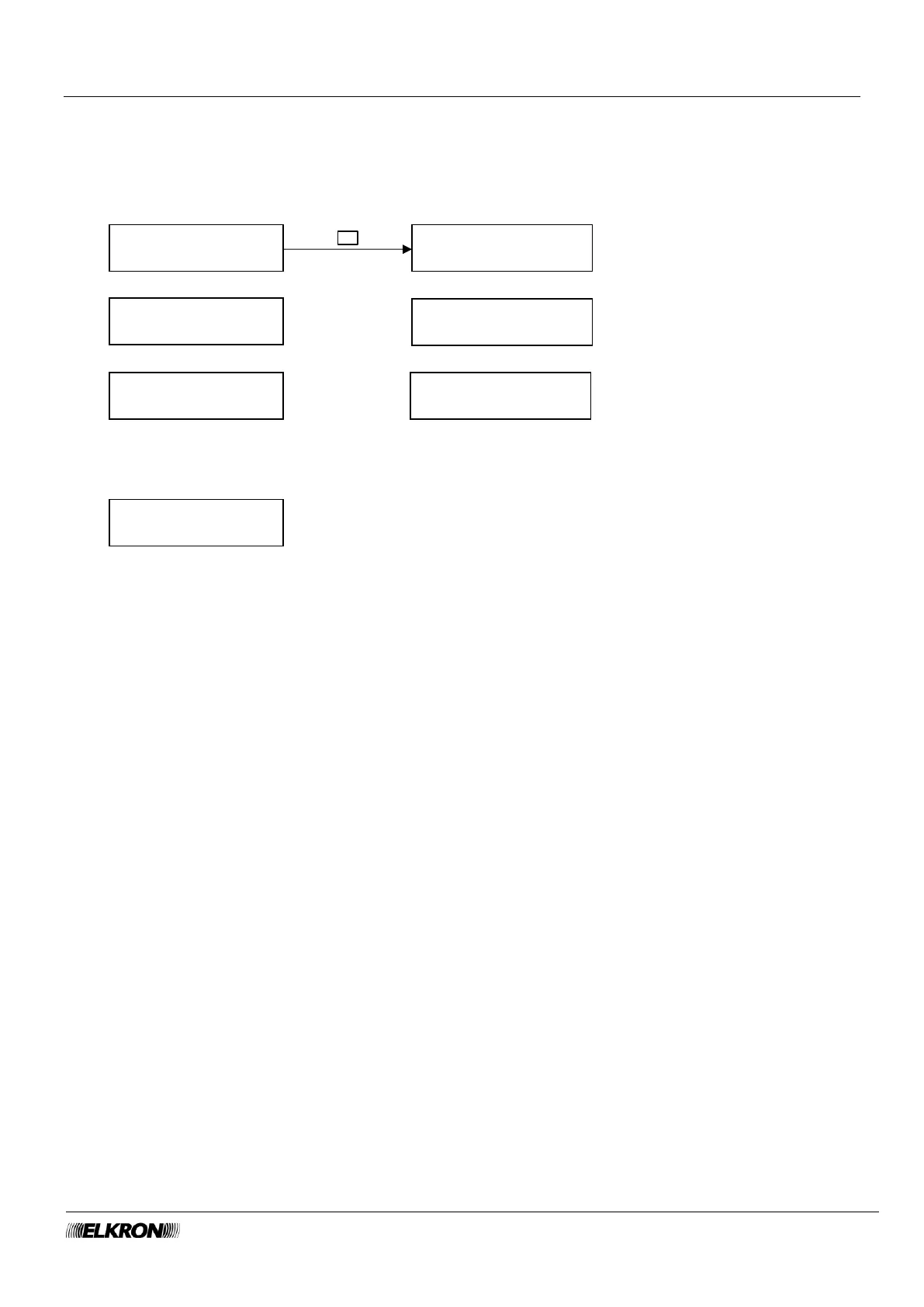
8.9 Tamper Memory menu
This shows the stored tampering alarms, from the most recent to the oldest.
Available for Master, User, Installer.
It is accessed through the Main menu → MEM TAMPER menu.
Use the ▼ and ▲ buttons to scroll through the various stored tampering events.
Each alarm event is displayed with a sequential number, the time and date it occurred (hh:mm and dd/mm)
and an abbreviated description (Short Descr).
Press the OK button to open the submenu to display the details of the tampering event. Use the ▼ and ▲
buttons to scroll through the various submenu screens.
The first screen shows the complete description of the tampering event (Long descr.), the physical address
of the device (UC = control panel, EP = expansion module, KP = keypad, DK = key reader) and the custom
description (Label).
The second indicates the concerned sector.
The third shows the device type (Device).
Press the ESC button to go back to the stored tampering event list.
You can clear the entire tampering event memory list by pressing the OK button when "DELETE
MEMORY?" message appears on the display.



 To Next Page