• PSTN Line Listening Timeout (sec): This can be used to set the maximum time interval, in seconds,
for listening to the free line tone before dialling the number.
• PSTN RING Listening Timeout (sec): This can be used to set the maximum time interval, in seconds,
for listening for the ring tone before sending the message. The standard requires that the message
starts even if the ring tone is not recognised (e.g. as automatic answering machines).
Click on Reset to Factory Default to reset the default parameters of only the advanced settings of the
PSTN module.
Click on the PSTN Firmware Upgrade button you can upgrade the firmware of the PSTN module only.
See paragraphs 9.1 Update file name and 4.1.4 Control Unit Update from File for more details.
4.2.4 ZigBee Module
This can be used to configure the operating parameters that concern the wireless links with ZigBee
communication protocol.
It is accessed through the CONFIGURATION → Central Unit → Optional Modules menu.
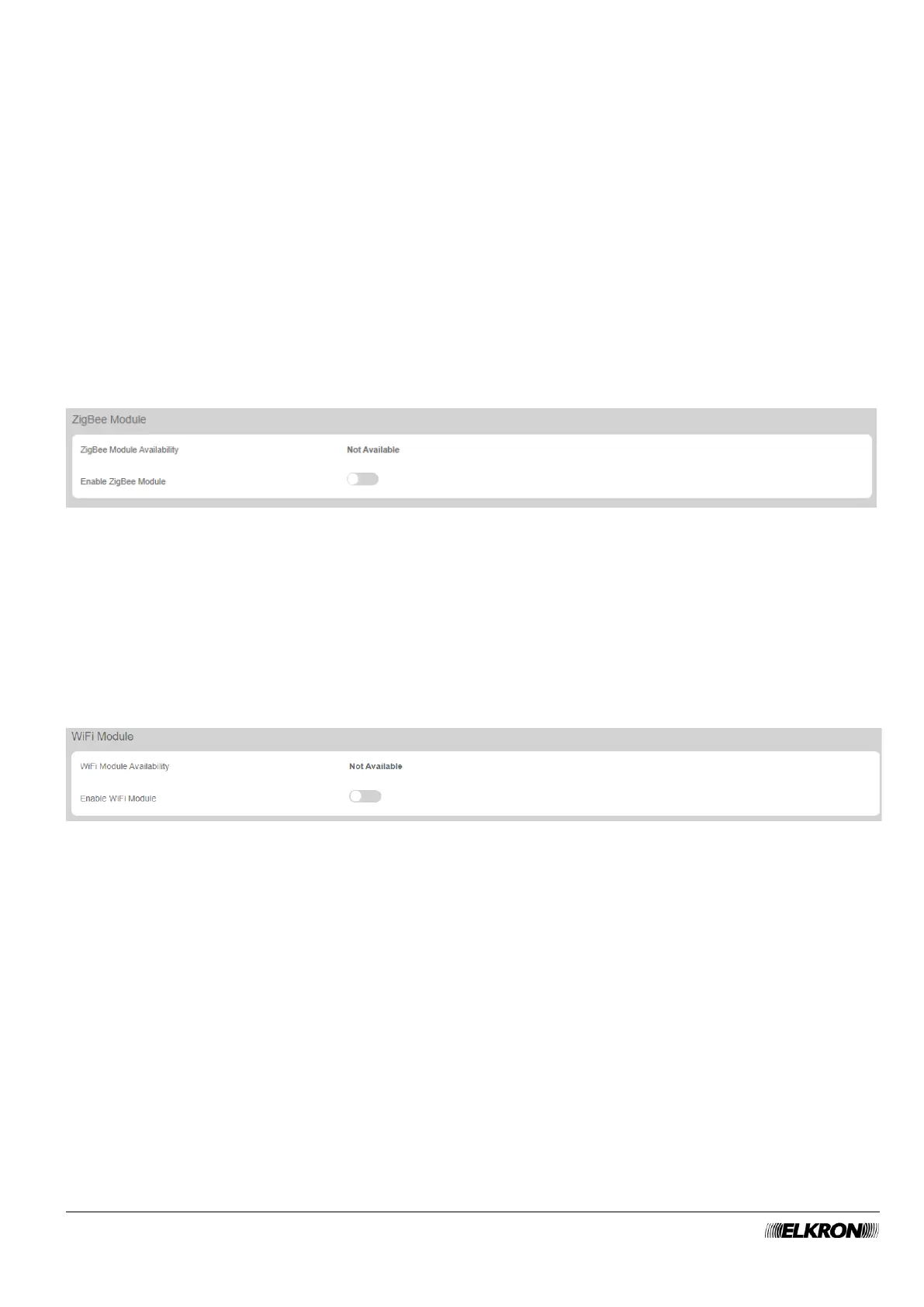
Figure 14 - ZigBee module
The menu shows the following items and can be used to set:
• ZigBee Module Availability: This indicates that the module is installed in the control panel.
• Enable ZigBee Module: This can be used to enable and disable the ZigBee module.
4.2.5 Module WiFi
This can be used to configure the operating parameters that concern the WiFi wireless connections.
It is accessed through the CONFIGURATION → Central Unit → Optional Modules menu.
Figure 15 - WiFi module
The menu shows the following items and can be used to set:
• WiFi Module Availability: This indicates that the module is installed in the control panel.
• Enable WiFi Module: This can be used to enable and disable the WiFi module.



 To Next Page