EasyManua.ls Logo

Elkron MEDEA - Connettivity Mobile Data Menu; Maintenece Sys. Log Menu

Elkron MEDEA
136 pages
Print Icon
To Next Page IconTo Next Page
To Previous Page IconTo Previous Page
Loading...
132
MEDEA Programming Manual
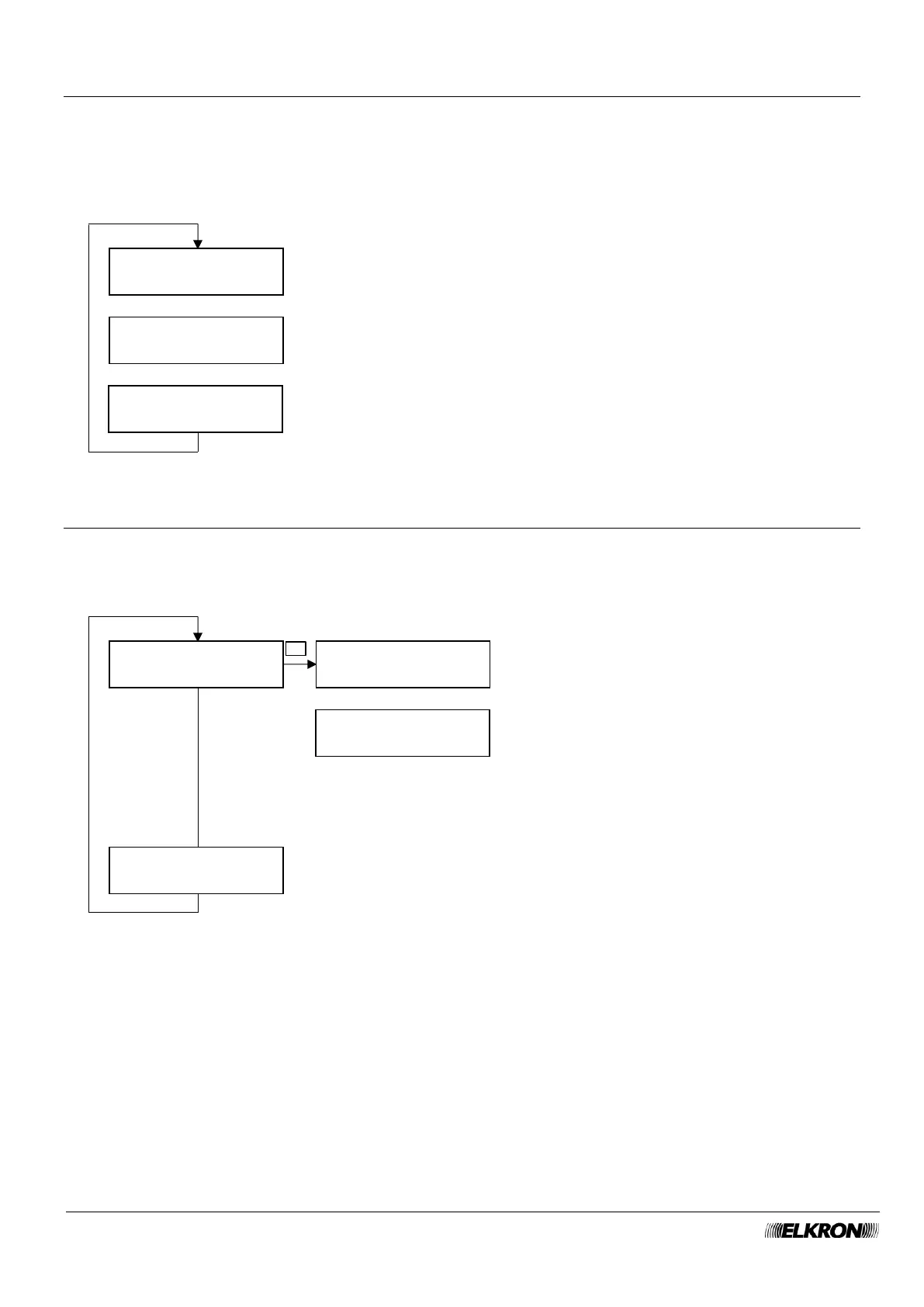
8.32 Connectivity Mobile Data menu
This can be used to configure the data connection via the cell phone telephone network.
If MOBILE DATA: is disabled, the other parameters do not appear.
See paragraph 4.2.2 Mobile Network Modul for more details.
Available for Master, Installer.
It is accessed through the Main Menu → CONNECTIVITY → CONNECTIVITY MOBILE DATA menu.
8.33 Maintenance Sys. Log menu
This can be used to examine and delete the list of stored events.
Available for Installer when the system is not armed.
It is accessed through the Main Menu MAINTENANCE → SYS LOG menu.
MOBILE DATA
ON
APN
SIM EXPIRY
Press OK to enter the value.
This appear only if MOBILI is enabled.
▼ ▲
Change the parameter with the ► and ◄ buttons.
Press OK to enter the value.
▼ ▲
SYS LOG
READ LOG
002 hh:mm dd/mm
Description
001 hh:mm dd/mm
Description
*99***1#
SYS LOG
DELETE LOG
Press the OK button and follow the instructions to
clear the event list.
▼ ▲
Press the OK button and then the ► button
for more details about the event.
▼ ▲
▼ ▲
OK
...

Table of Contents

Other manuals for Elkron MEDEA