4.7 ZigBee Peripherals
It is accessed through the configuration menu. In this menu you can acquire and delete the Zigbee devices.
To go directly to the ZigBee device you are interested in, without manually scrolling the page of the
submenu, just click on the Detectors with Camera, Detectors with Video Camera, Repeaters, Status Led,
Relay modules, Shutter modules, Scenario control, Thermoregulation links located under the title.
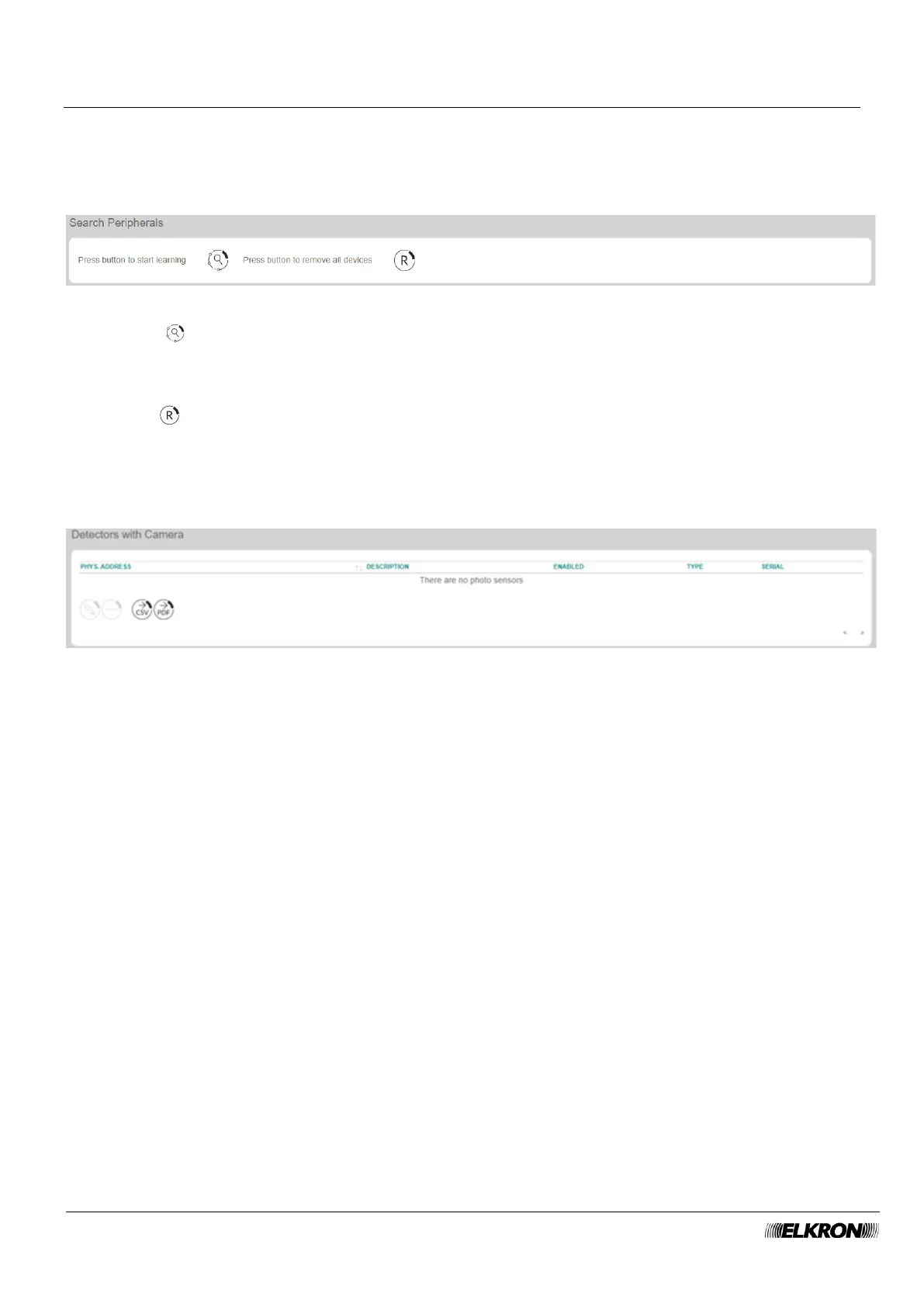
Figure 33 - Acquisition and removal of ZigBee devices
Click on the Start learning button to start the ZigBee device learning process. Hold the acquisition
button of the device pressed for a few seconds to acquire each device. The new device is detected by the
control panel in about 15 seconds.
For more details on the procedure for acquiring ZigBee devices, refer to the instructions contained in them.
Click on the Remove all devices button to delete all previously acquired ZigBee devices.
4.7.1 Detectors with Camera
This can be used to enable, disable and delete ZigBee photo sensors.
It is accessed through the CONFIGURATION → Zigbee Peripherals menu.
Figure 34 - ZigBee photo sensor
The list of all ZigBee photo sensors in the system is displayed in table form. Missing photo sensors are
highlighted by a message under the table titles.
The following information is provided for each photo sensor:
• PHYS.ADDRESS: This is the sequential number automatically assigned to the photo sensor.
• DESCRIPTION: This is the description of the detector. The field is read-only and must be edited in
the PROGRAMMING – WiFi Peripherals menu.
• ENABLED: This indicates whether the photo sensor is enabled or disabled. When the photo sensor
is disabled, the lettering is light grey.
• TYPO: This shows the photo sensor model.
• SERIAL: This shows the unique identifier of the device, with which it is recognised amount the ZigBee
devices. Read-only data.
Double-click on the sensor row to opens a pop-up window that can be used to enable and disable the
photo sensor. Click on the Save button to save the changes, the Close button to close the window and
not save the changes.



 To Next Page