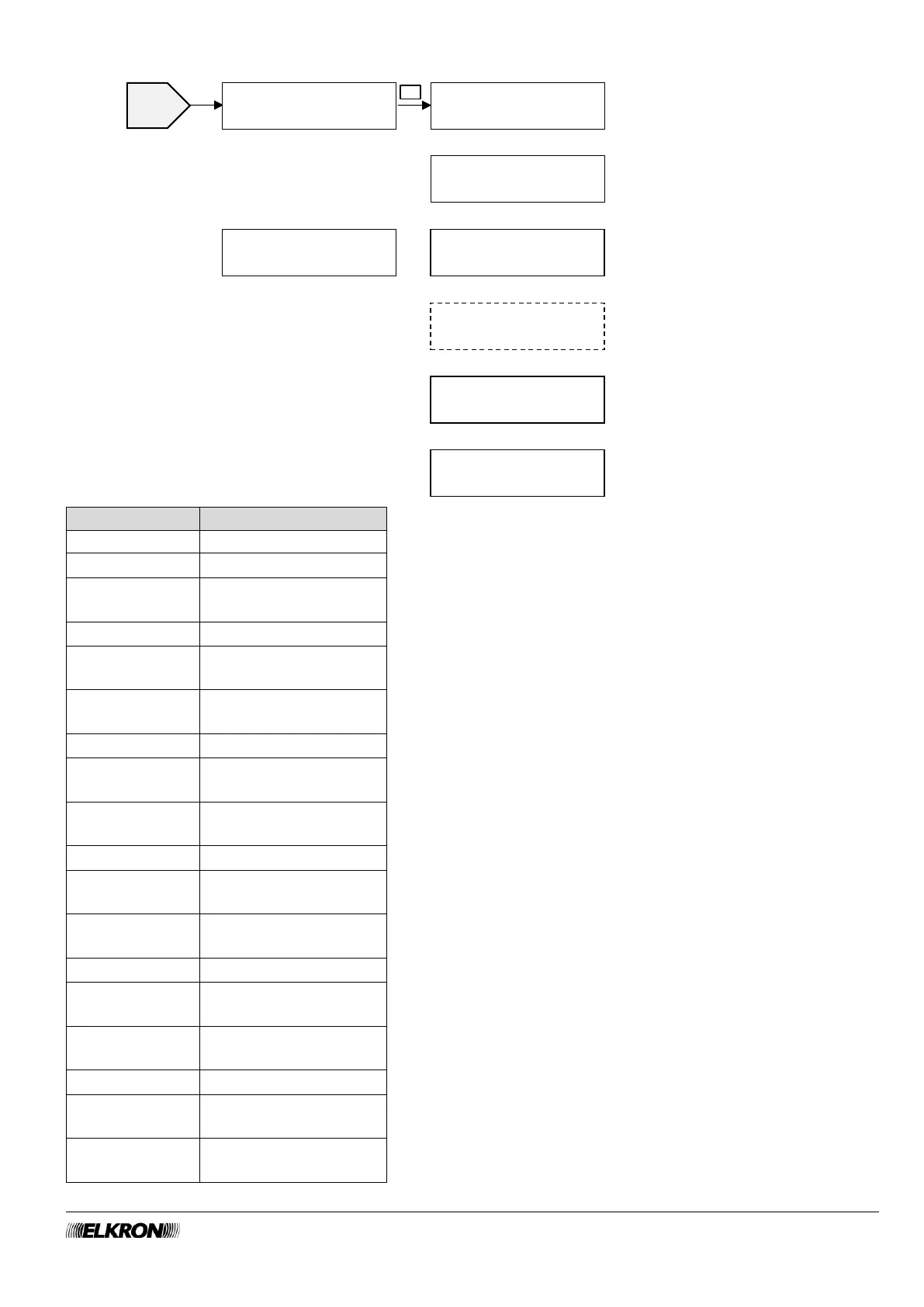
Use the ► button to select whether to arm or disarm the intrusion
alarm for that sector.
Select the output you want to use with the ► button.
Use the ► button to select whether to arm or disarm the output.
Select the sector you want to use with the ► button.
Use the ► button to select whether to arm or disarm the intrusion
detection for that sector.
Select the code group you want to use with the ► button.
Use the ► button to select whether to lock, unlock or allow entry only
for the selected code group.
Select the key group you want to use with the ► button.
Use the ► button to select whether to lock, unlock or allow entry only
for the selected key group.
Select the scenario you want to use with the ► button.
FUNCTION 1
START SCENARIO
The Specific Menu
appears only if an action
was chosen in the
previous step (ACTION
other than NONE).
The table below shows the
new menu items that may
appear and their
hierarchy.



 To Next Page