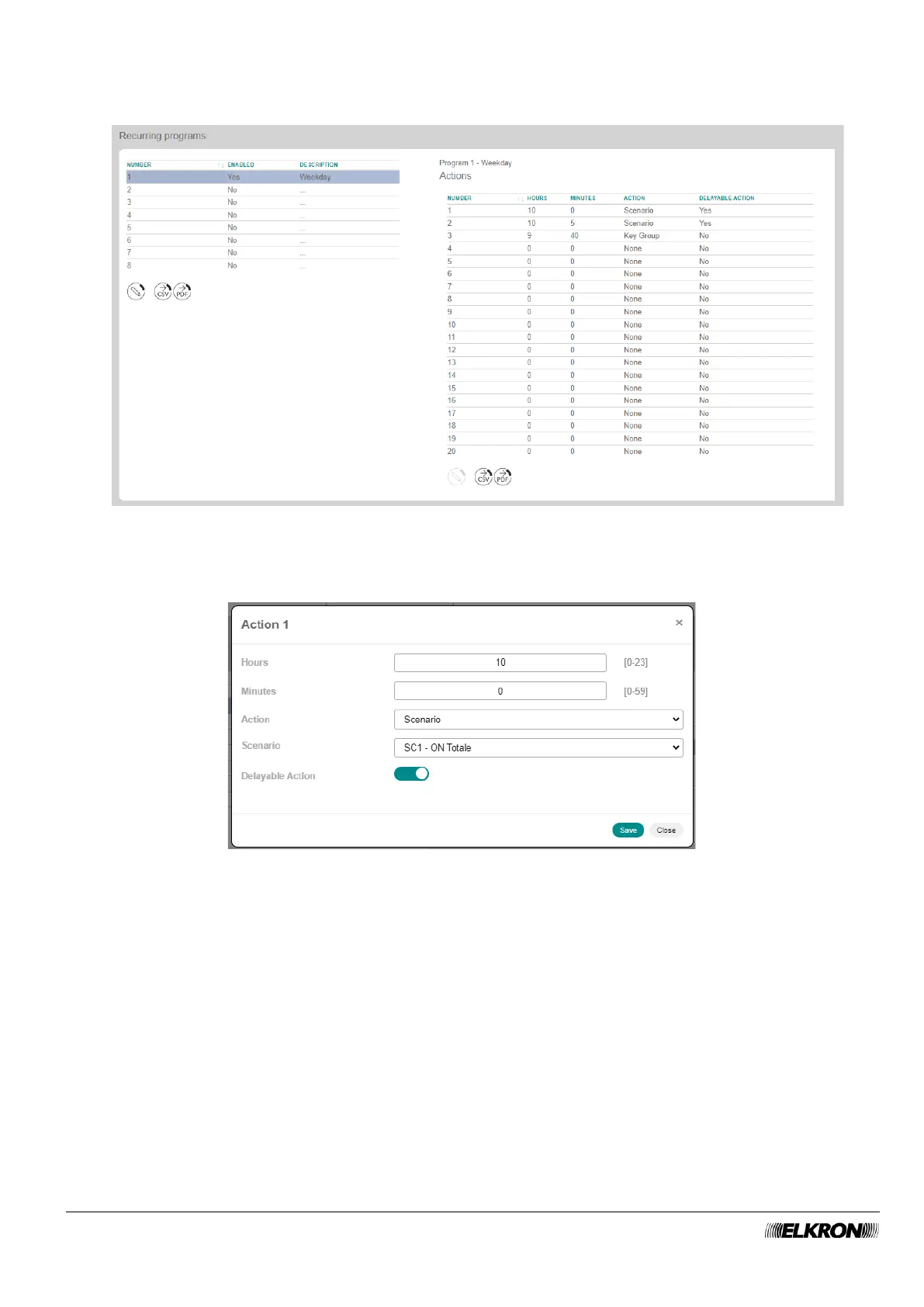
3. The Actions table appears with a list of all the actions associated with the selected program when a
schedule is selected. Each selected schedule may provide for up to 20 separate actions.
Figure 76 - Daily schedule actions
Double-click on the first action of the day.
Figure 77 - Daily schedule action customisation
In the pop-up window that opens, enter the time (Hours and Minutes) when the action is to take place,
Define which action (Action) will be executed at the set time. When you choose the action type, specific
fields are automatically activated for selecting the parameters specific to that action.



 To Next Page