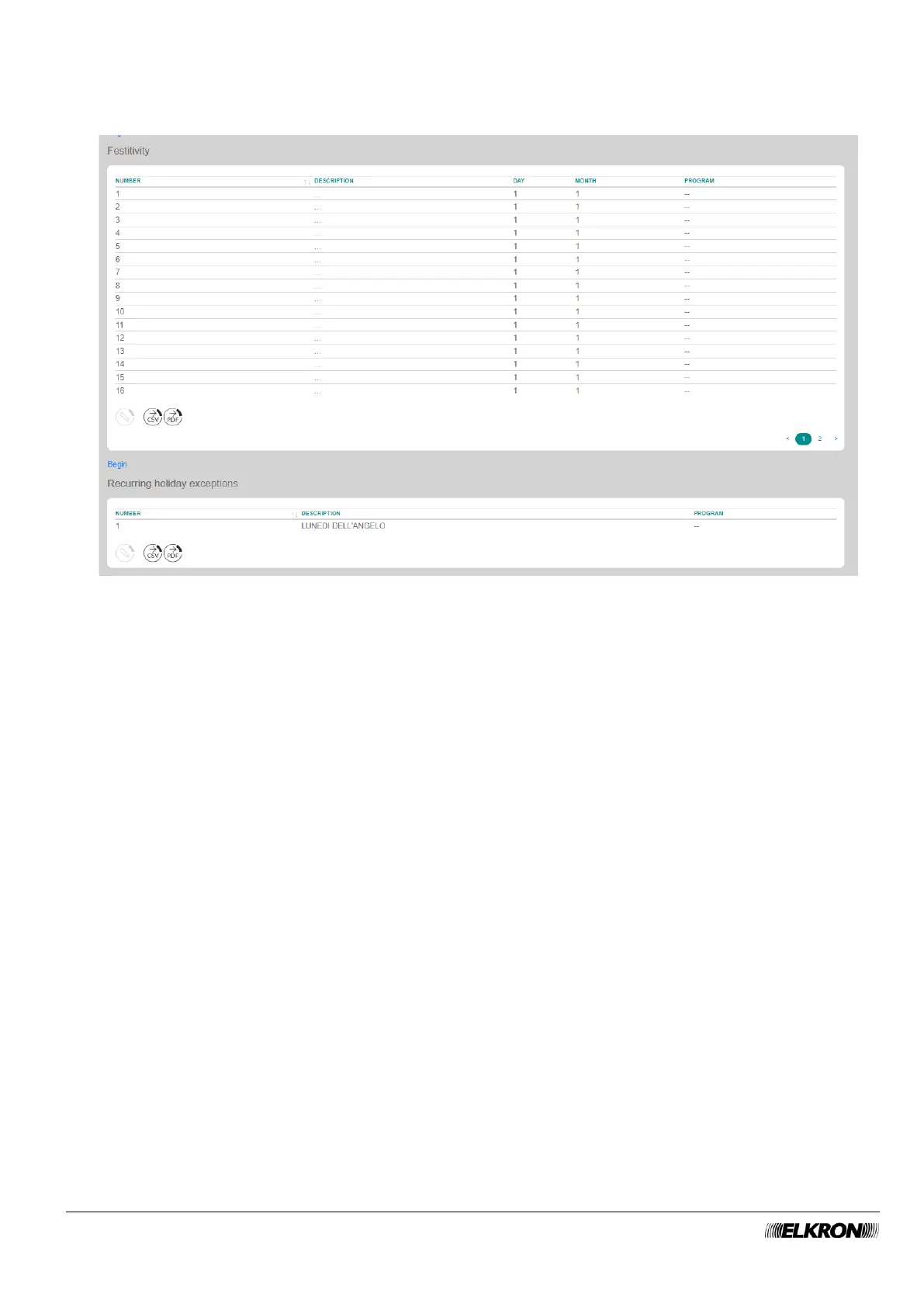
5. Configure behaviour for reoccurring holidays. There are two types of holidays: those that fall on fixed
days (New Year's Day, Epiphany, August Bank Holiday, Christmas, Patron Saint's Day, etc.) and
Easter, which is variable.
Figure 79 - Holiday scheduling
On the Festivity table, double-click on the first holiday and in the pop-up window that opens, enter the
name of the fixed holiday (Description), which can be up to 32 characters long, the date (Day and
Month) of the holiday, and the schedule to be run on that date. Click on the Save button to save the
changes, the Close button to close the window and not save the changes. Repeat the operation for
all the holidays on which you want to run a different schedule from the one planned for that day of the
week according to the weekly schedule.
6. In the Recurring Holiday exceptions table, click on Easter Monday and in the pop-up window that
opens select the schedule to run that day.
Click on the Save button to save the changes, the Close button to close the window and not save the
changes.



 To Next Page