55
Reference Manual
00809-0100-2460, Rev DE
Configuration
October 2018
Configuration
4.3.4 Installation wizard
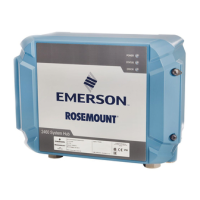
This section describes how to install and configure a Rosemount 2460 System Hub by using the
WinSetup installation wizard.
Step 1. Select device type
1. In the WinSetup workspace, click the right mouse button on the Devices folder.
2. Choose the Install new option.
3. Select device type:
a. Choose device type 2460 System Hub.
b. Specify a name for the System Hub in the 2460 System Hub Tag input field. This tag will be used
as an identifier of the Rosemount 2460 in various windows and dialogs. The TankMaster program
automatically suggests the first part of the name as specified in the Tag Prefixes window
(Service>Preferences).
c. Click the Next button to continue the installation procedure with communication setup.


 To Next Page
 Loading...