Boot for the Fibre Channel Protocol User Manual P010096-02A Rev. A
7. Configure EFIBoot via UEFI HII (Human Interface Infrastructure) in a UEFI 2.1 System
Display Adapter Information
103
4. Select the adapter whose setting you want to return to their defaults and press
<Enter>. The Main Configuration Menu appears.
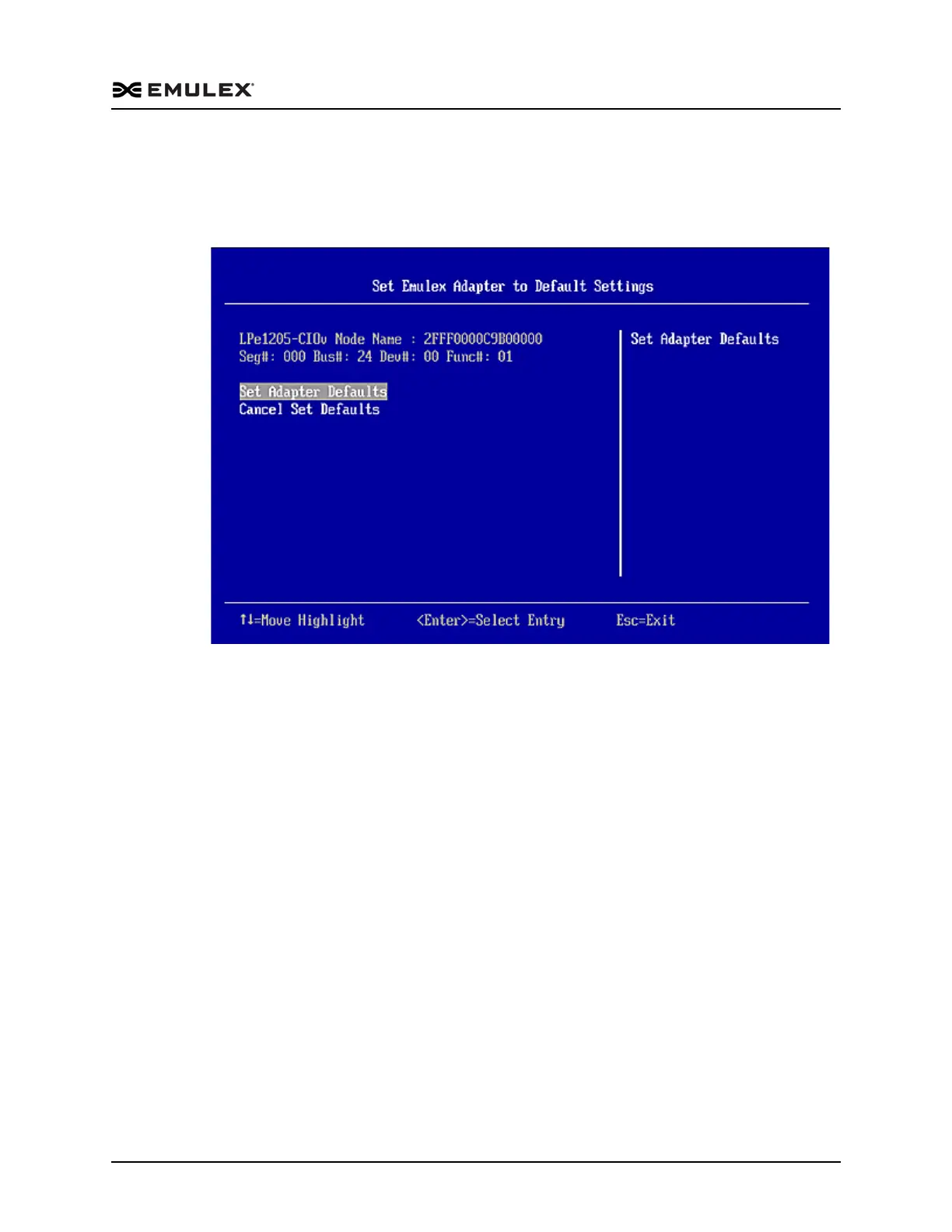
5. Select Set Emulex Adapter to Default Settings and press <Enter>. The Adapter
Default Settings menu screen appears.
Figure 7-23 Adapter Defaults Menu
6. Select Set Adapter Defaults and press <Enter>. The adapter is returned to its
default settings. Press <Esc> to return to the adapter list.
Display Adapter Information
The Adapter Information screen displays the following information about the selected
adapter:
HBA status
Boot from SAN status
Link Speed
Topology
Firmware version
Universal Boot version
EFI Boot version
To display adapter information:
1. From the Adapter Selection screen, select the adapter whose information you want
to view and press <Enter>.



 To Next Page