Boot for the Fibre Channel Protocol User Manual P010096-02A Rev. A
7. Configure EFIBoot via UEFI HII (Human Interface Infrastructure) in a UEFI 2.1 System
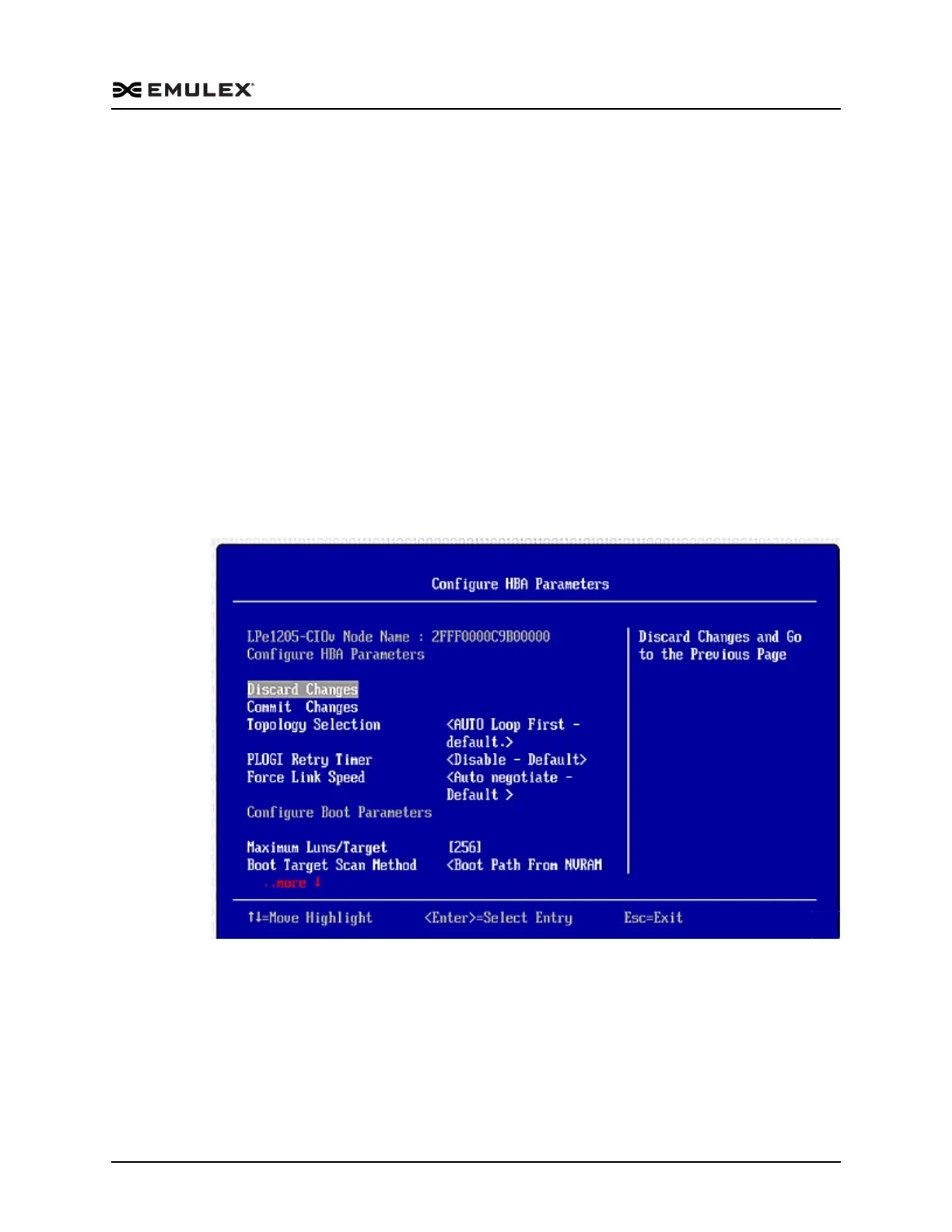
Configure Adapter Parameters
93
5. From the menu, select the device whose boot order you want to change. Use the
<+> or <-> keys to change the order of the selected device and press <Enter>. A
screen appears showing the new boot device order.
6. Press <Enter> to confirm the changes.
Configure Adapter Parameters
The EFI utility enables you to configure the following adapter parameters:
Topology
Port login (PLOGI) retry timer
Link speed
To configure adapter parameters:
1. From the Adapter Selection screen select the adapter whose parameters you want to
configure and press <Enter>.
2. From the main menu (Figure 7-3), select Configure HBA and Boot Parameters and
press <Enter>. The Configuration menu screen appears.
Figure 7-14 Adapter Configuration Menu



 To Next Page