Boot for the Fibre Channel Protocol User Manual P010096-02A Rev. A
4. Emulex BIOS Utility
Configure Adapter Parameters
43
8 Gb/s
16 Gb/s
Note: Emulex 8 Gb/s adapters do not support 1 Gb/s link speed. Emulex 16 G/bs
adapters do not support 1 Gb/s or 2 Gb/s link speed. Additionally, some older
devices do not support auto link speed detection, therefore the link speed must
be forced to match the speed of those devices.
To change the adapter’s link speed:
1. From the main configuration menu (Figure 4-2), select Configure Advanced
Adapter Parameters. The adapter configuration menu is displayed (Figure 4-9).
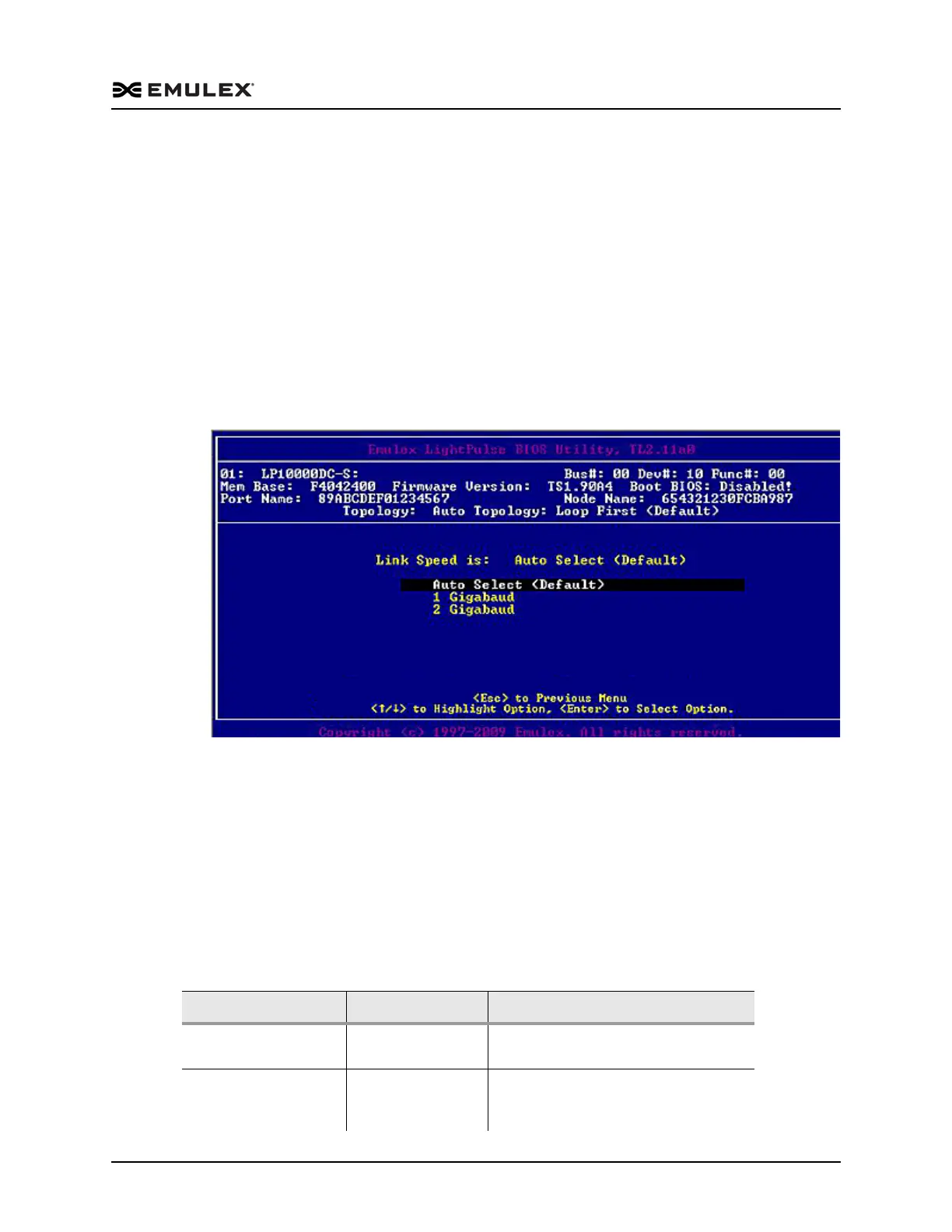
2. Select Link Speed Selection. The Link Speed Selection menu (Figure 4-19) is
displayed.
Figure 4-19 Link Speed Selection Menu
3. Use the up and down arrows to select the desired FC link speed you would like to
use.
4. Press <Esc> until you exit the BIOS utility.
5. Reboot the system.
Reset to Default Values
The BIOS utility enables you to reset BIOS boot parameters to their factory default
settings. These defaults are listed in Table 4-2.
Table 4-2 Adapter Defaults
Parameter Default Valid Values
Boot from SAN Disabled Enabled
Disabled
ALPA Value 0x00 Fibre See ALPA reference table (“Change the
Default ALPA (Arbitrated Loop Physical
Address)” on page 34.



 To Next Page