Boot for the Fibre Channel Protocol User Manual P010096-02A Rev. A
8. Troubleshooting
Run Adapter Diagnostic Tests
118
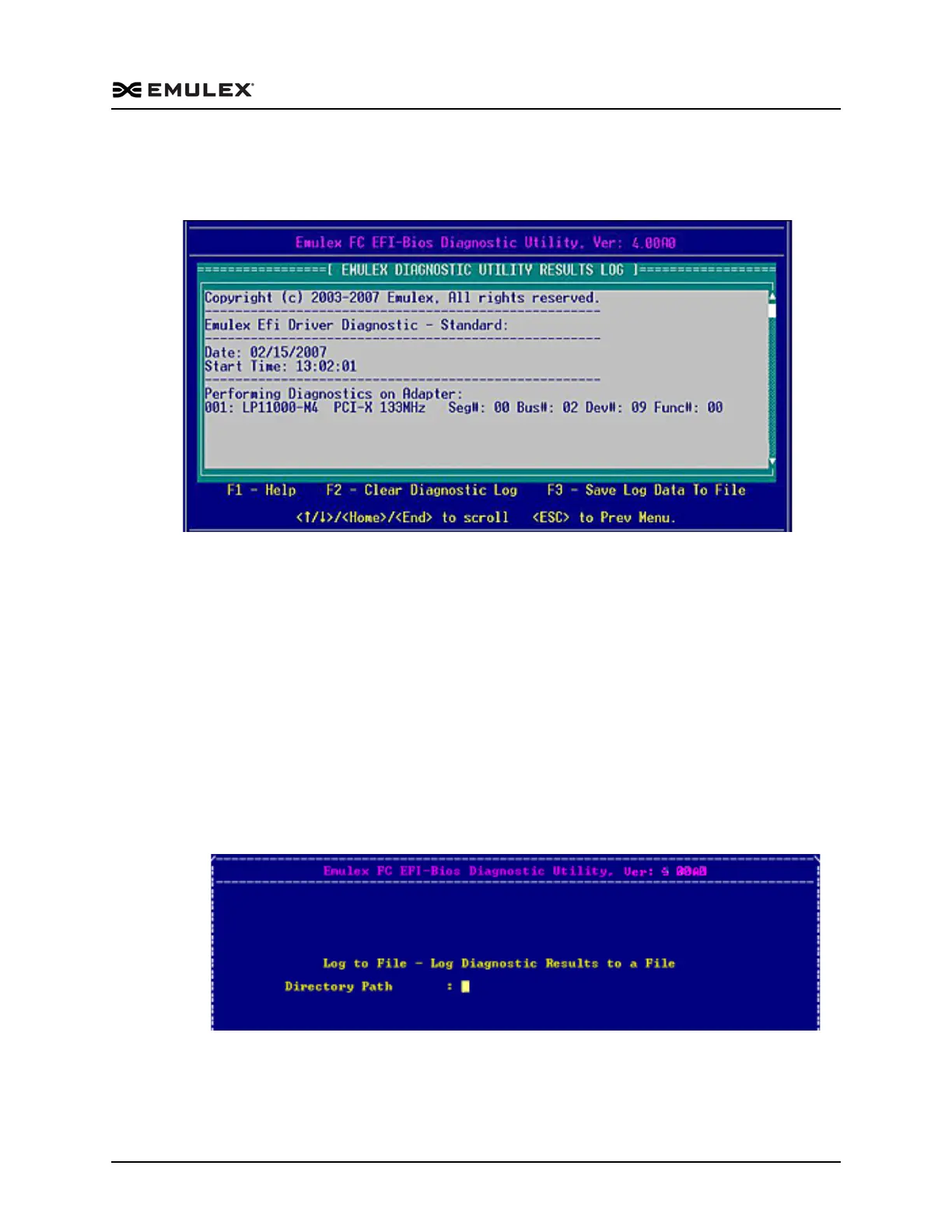
To view the results log:
Access the Diagnostic Main menu (Figure 8-2) and select <4>. View Results Log.
Press <Enter>. A screen similar to the following is displayed:
Figure 8-22 Results Log Screen
To scroll through the results log:
Use the up/down arrow keys to scroll one row at a time.
Use the Home/End keys to scroll one page at a time.
Note: The Page Up and Page Dn keys do not navigate the results log.
To view help on the results log screen.
Press <F1>. Help text is displayed.
Press <Esc>. Log results are displayed.
To save results log information:
1. View the results log.
2. Press <F3>. The Log to File screen is displayed.
Figure 8-23 Log to File screen
3. Enter the directory path and press <Enter>. The Filename field is displayed.
4. Enter the filename and press <Enter>. The filename must be unique.



 To Next Page