Boot for the Fibre Channel Protocol User Manual P010096-02A Rev. A
6. EFIBoot
Update an Adapter’s Firmware or Boot Code
77
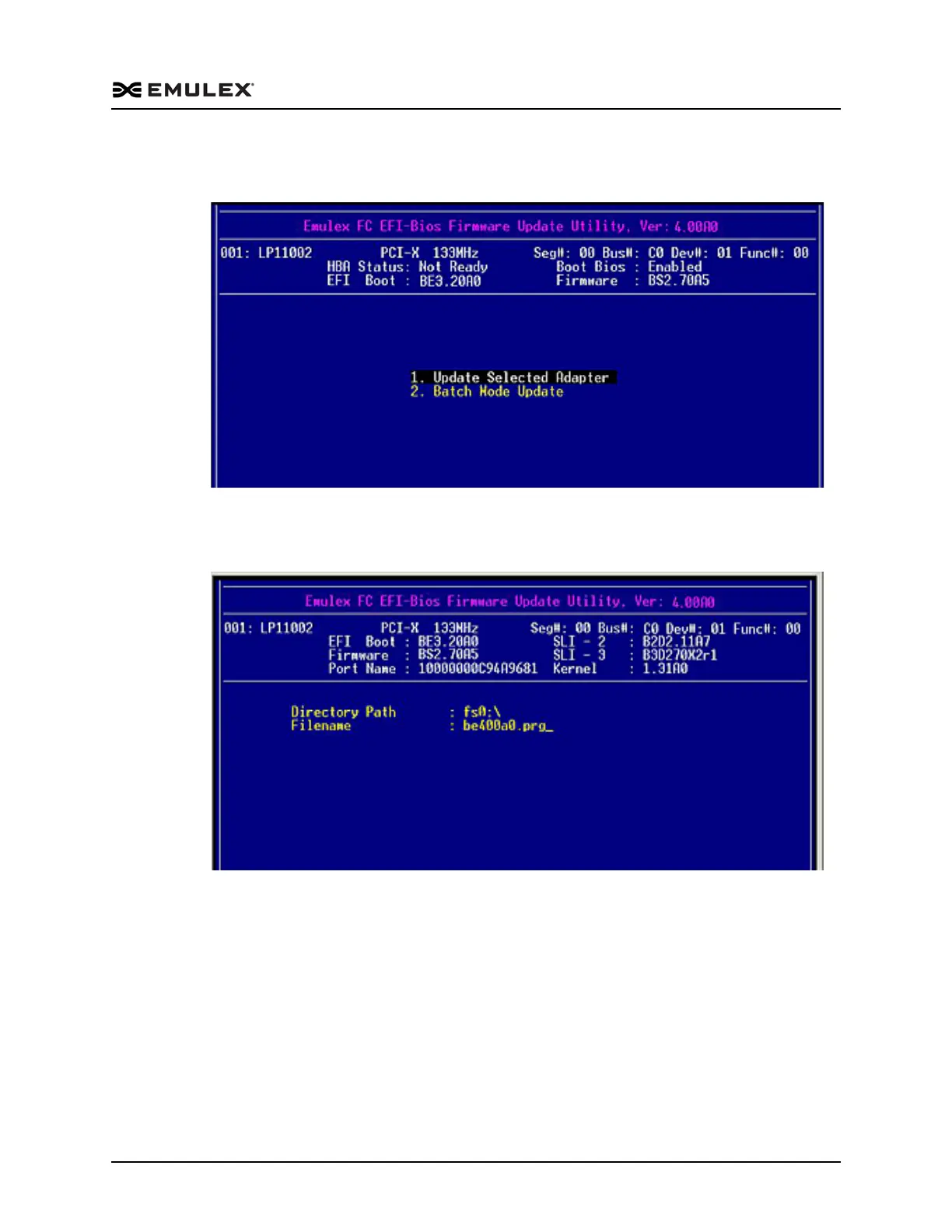
2. On the Firmware Update Utility menu, select 1. Update Selected Adapter and press
<Enter>.
Figure 6-39 Update Selected Adapter
3. Enter the directory path and filename in the screen that is displayed (Figure 6-40).
Press <Enter>.
Figure 6-40 Directory Path and Filename Information



 To Next Page