Boot for the Fibre Channel Protocol User Manual P010096-02A Rev. A
8. Troubleshooting
Run Loopback Tests
110
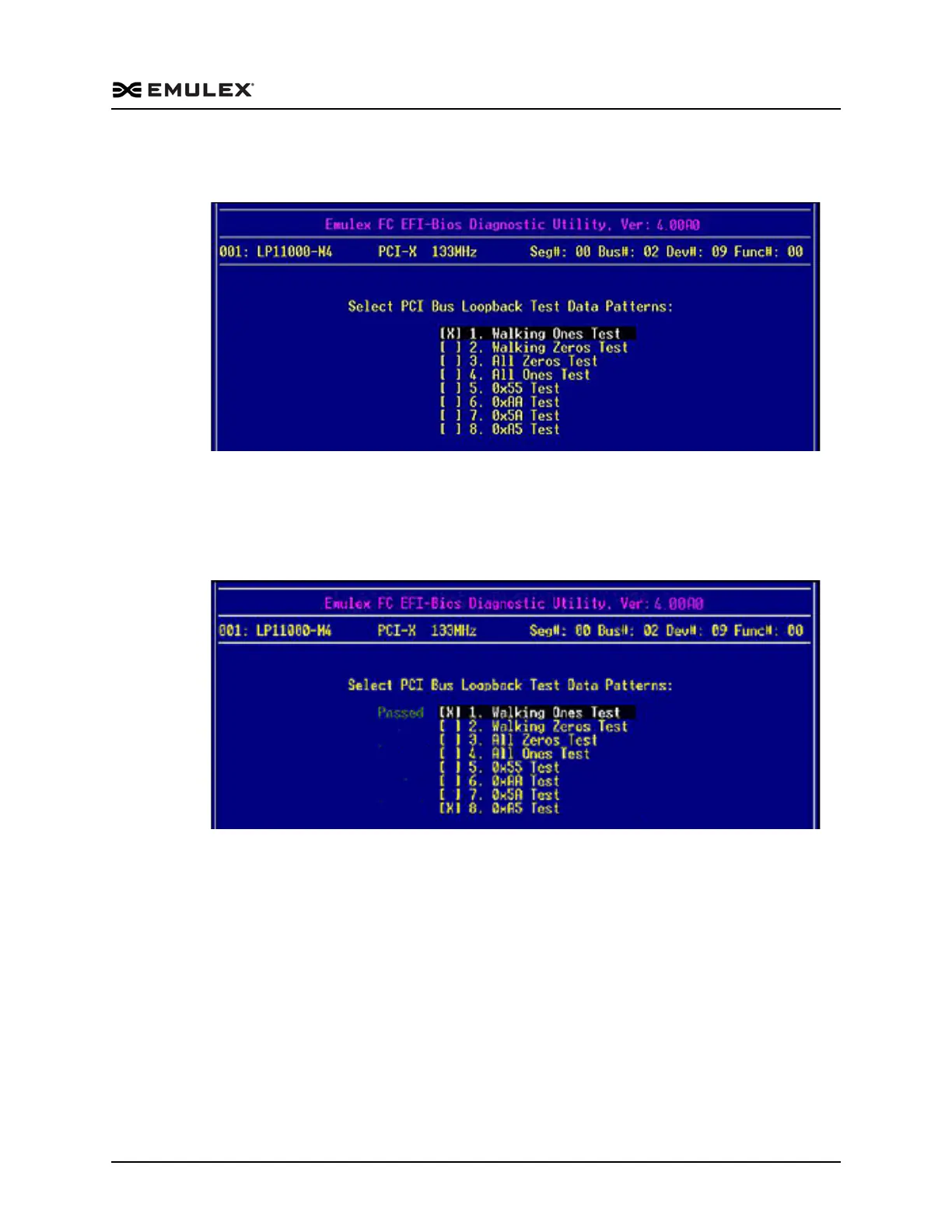
3. Another menu is displayed. Select one or more individual patterns for the
diagnostic test. For example:
Figure 8-4 PCI Loopback Test Data Patterns Menu
4. Press <Esc> one or more times as necessary to display the Diagnostic Tests menu.
5. Use the up/down arrow keys to highlight <5>. Execute Selected Diagnostic and
press <Enter>. The selected tests run. After tests are performed, the status of each
selected pattern is displayed. For example:
Figure 8-5 PCI Loopback Test Data Pattern Status Menu



 To Next Page