Boot for the Fibre Channel Protocol User Manual P010096-02A Rev. A
4. Emulex BIOS Utility
Configure Adapter Parameters
37
3. Select the retry timer interval.
4. Press <Esc> until you exit the BIOS utility.
5. Reboot the system
Change Topology
Emulex drivers support arbitrated loop and point-to-point topologies. If it is necessary
to change the topology, do so before you configure boot devices. The default topology
is auto topology with loop first. For FC-AL, each adapter has a default ALPA of 01
(Hex).You can configure:
Auto topology with loop first – default
Auto topology with point-to-point first
FC-AL
Fabric point-to-point
To select the adapter topology:
1. On the main configuration menu (Figure 4-2), select Configure Advanced Adapter
Parameters. The adapter configuration menu is displayed (Figure 4-9).
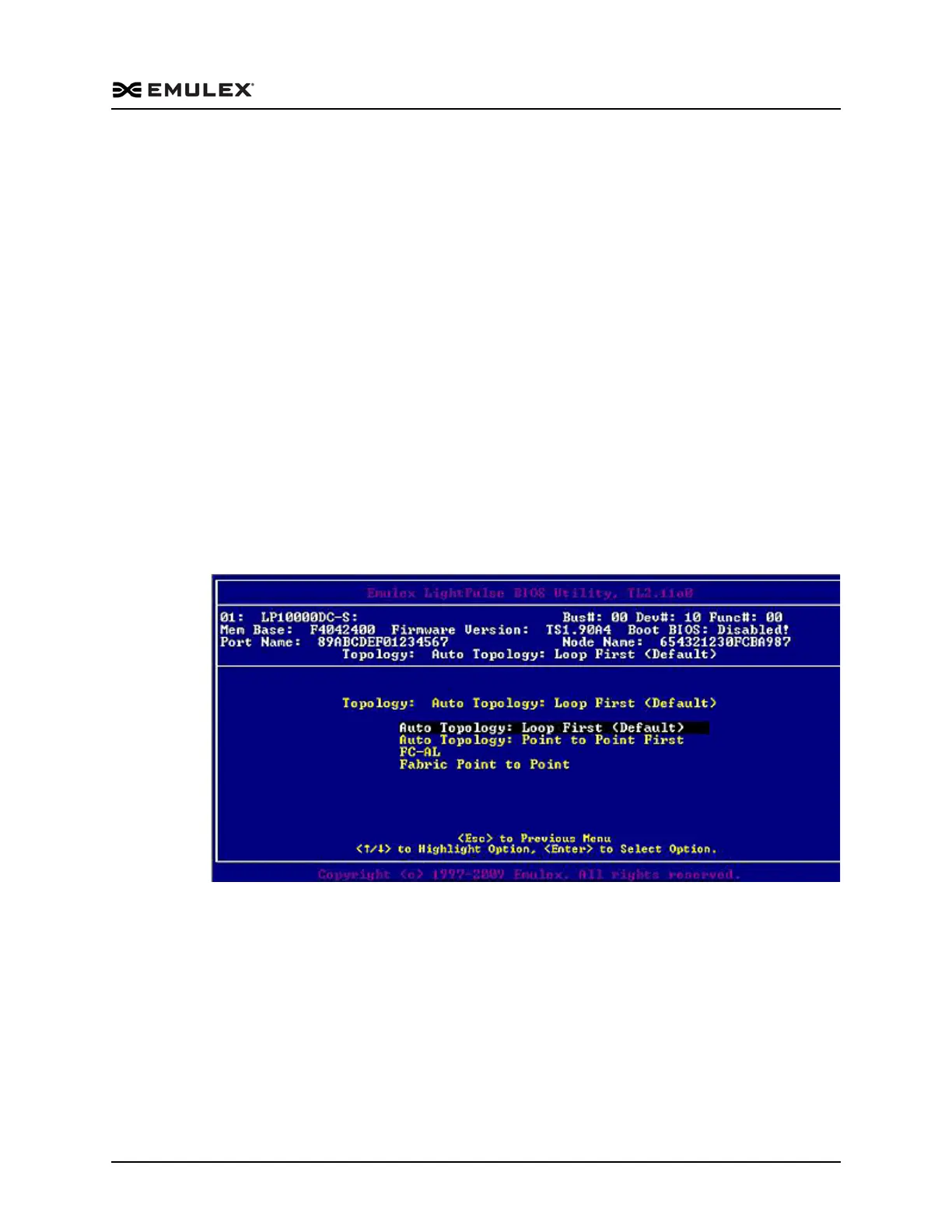
2. Select Topology Selection. Information similar to Figure 4-12 is displayed.
Figure 4-12 Topology Menu
3. Select the topology for the adapter.
4. Press <Esc> until you exit the BIOS utility.
5. Reboot the system.



 To Next Page