Boot for the Fibre Channel Protocol User Manual P010096-02A Rev. A
6. EFIBoot
Save and Restore Configurations
75
5. Press <P> to configure the selected adapters. If the adapters are configured
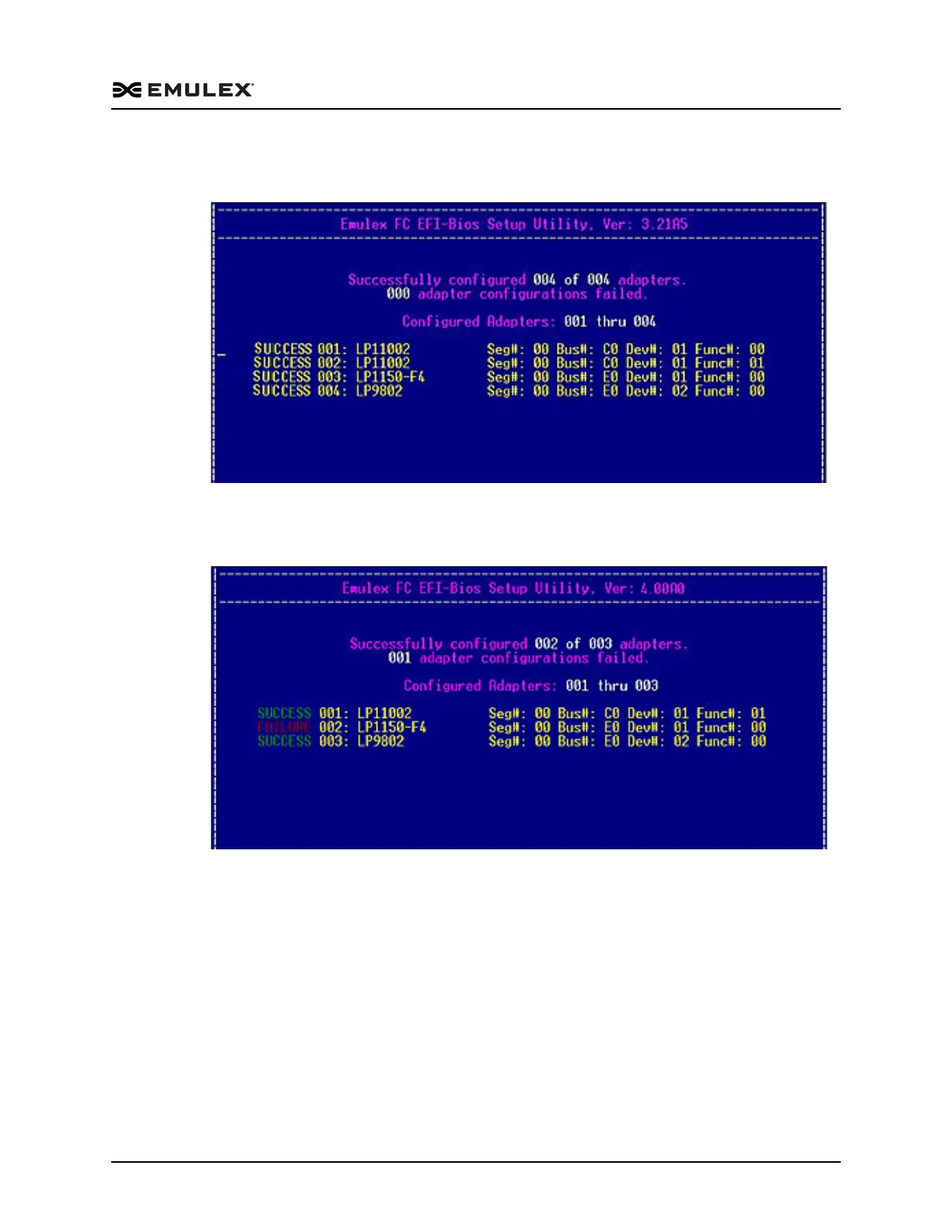
successfully, a screen similar to Figure 6-36 is displayed.
Figure 6-36 Successful Batch Configuration Screen
If all adapters are not configured successfully, a screen similar to Figure 6-37 is
displayed.
Figure 6-37 Unsuccessful Adapter Configuration Screen
To migrate the configuration stored in a configuration file to the adapters in the system:
1. On the Save Configuration menu, select, 2. Batch Configure Adapters. You are
prompted to select a source for the configuration (Figure 6-33).



 To Next Page