Boot for the Fibre Channel Protocol User Manual P010096-02A Rev. A
6. EFIBoot
Configure Boot Parameters
66
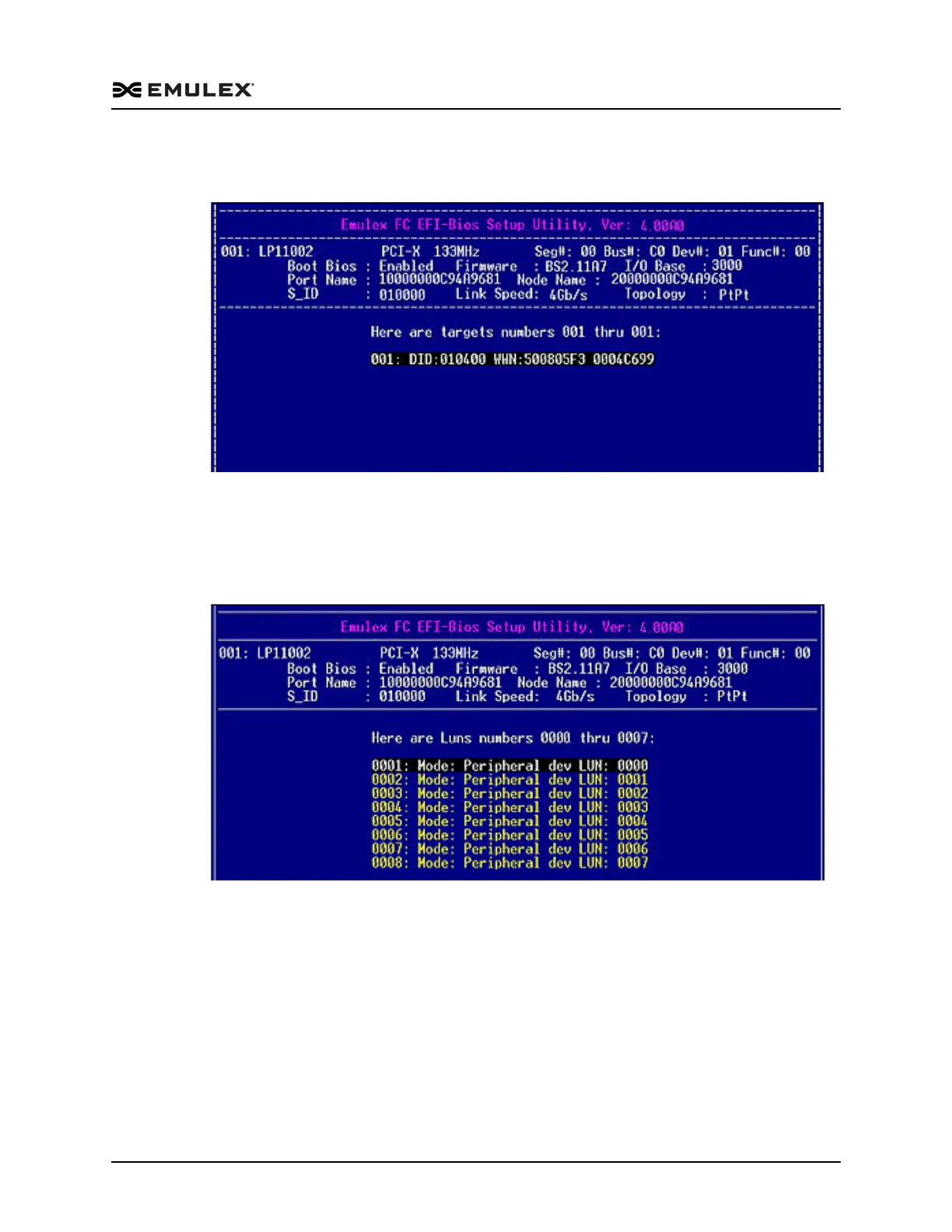
4. Select 1. Scan Targets and press <Enter>. The system scans the adapter and shows
your targets, as shown in Figure 6-22.
Figure 6-22 Target Listing Screen
Eight targets are displayed per screen. If more than eight targets are configured,
press the right arrow key to view additional targets eight at a time.
5. Select a target row and press <Enter>. LUNs for the target are displayed, as shown
in Figure 6-23.
Figure 6-23 LUN Listing Screen
Eight LUNs are displayed per screen. If more than eight LUNs are configured for
the target, press the right arrow key to view more LUNs.



 To Next Page