Boot for the Fibre Channel Protocol User Manual P010096-02A Rev. A
6. EFIBoot
Configure Boot Parameters
64
the EFIBoot Configuration utility, or by using third-party software from the
EFI shell command prompt.
If you select Boot Scan from EFIFCScanLevel:
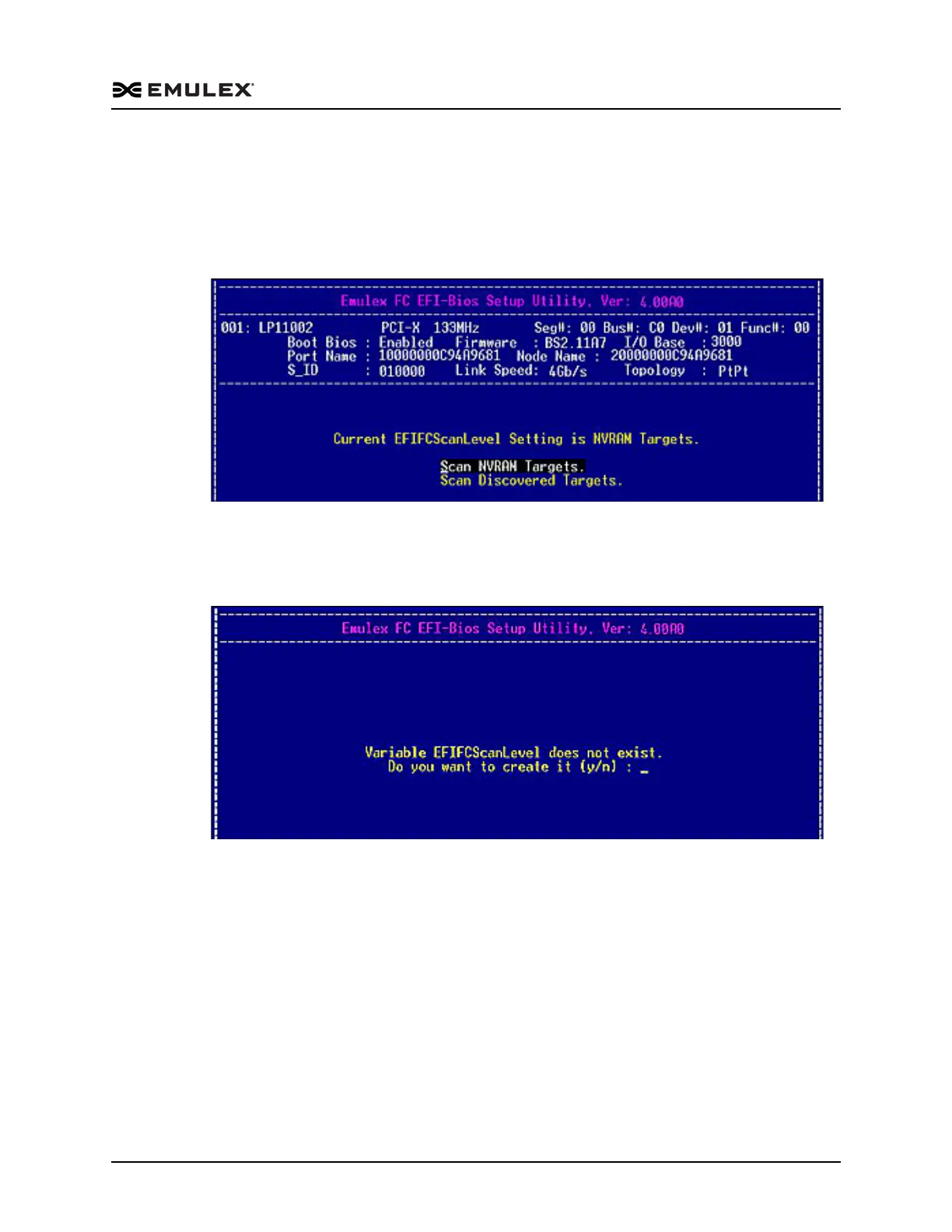
If the EFIFCScanLevel variable already exists, the screen in Figure 6-18
shows the current setting and allows you to select a new setting.
Figure 6-18 Existing EFIFCScanLevel Variable Screen
If the EFIFCScanLevel variable does not exist in the EFI BIOS NVRAM
store, the EFIBoot configuration utility prompts you to create it, as
shown in Figure 6-19.
Figure 6-19 No Existing EFIFCScanLevel Variable Screen
Press <Y> for Yes or <N> for no. If you press <Y> to create the variable, the utility
creates it and presents you with a menu to select the initial value. Valid values are
NVRAM and Discovered Targets. A new variable is created and the boot path is
changed.
If you have a large SAN and set the boot path to “Boot Path Discovered Targets,”
discovery takes a long time.
3. Press <Esc> to return to the EFI utility menu.



 To Next Page