Boot for the Fibre Channel Protocol User Manual P010096-02A Rev. A
6. EFIBoot
Update an Adapter’s Firmware or Boot Code
79
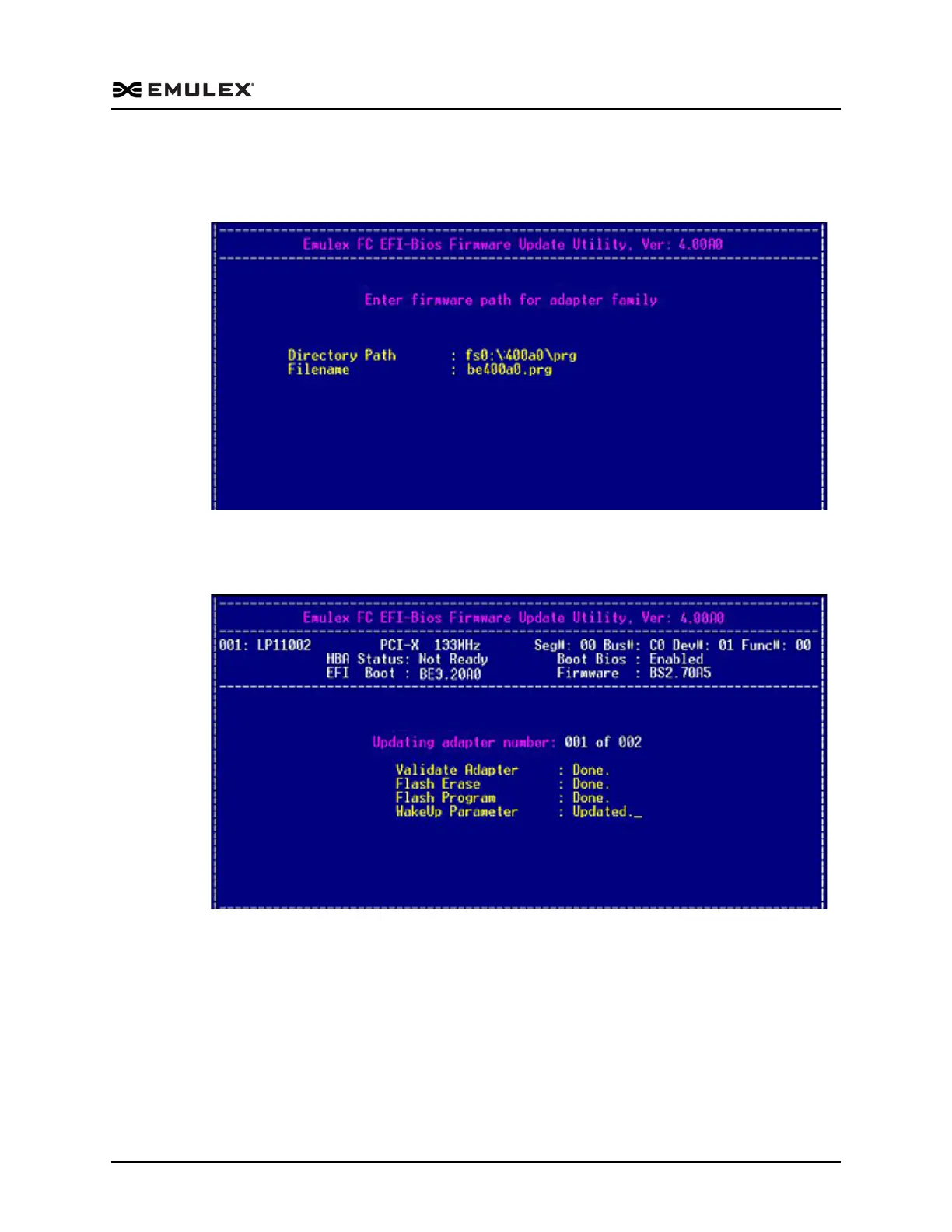
4. Press <P> to update the firmware or boot code. You are prompted for a directory
path and file name for the firmware or boot code image file (Figure 6-43). Enter the
path and file name, and then press <Enter>.
Figure 6-43 Batch Mode Update path Screen
The boot code update begins on the first adapter. Information similar to Figure 6-44
is displayed for each adapter:
Figure 6-44 Boot Code Update Progress Screen



 To Next Page