Boot for the Fibre Channel Protocol User Manual P010096-02A Rev. A
8. Troubleshooting
Run Adapter Diagnostic Tests
113
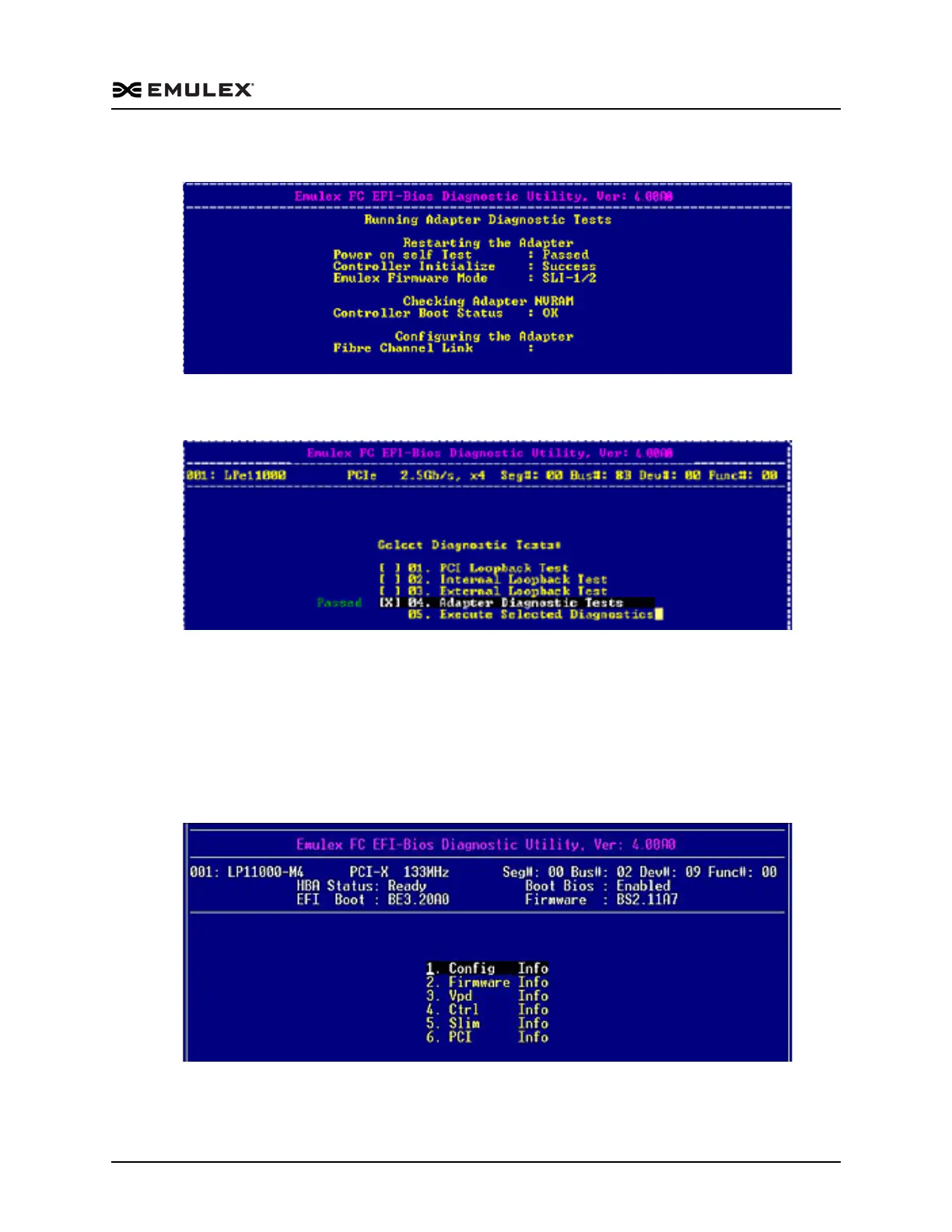
When you run adapter diagnostic tests, a screen similar to the following is displayed:
Figure 8-10 Running Adapter Diagnostic Tests In Progress Screen
If all tests pass, “Passed” is displayed on the Diagnostic Utility menu. For example:
Figure 8-11 Select Diagnostic Tests – Adapter Diagnostic Tests Passed Screen
If any one of these tests fail, Failed is displayed on the Select Diagnostic Tests screen.
View Adapter Data
To view data for a specific adapter:
Access the Diagnostic Main menu (Figure 8-2) and select <2>. Adapter Data. Press
<Enter>. The Adapter Data menu is displayed:
Figure 8-12 Adapter Data Menu



 To Next Page