Boot for the Fibre Channel Protocol User Manual P010096-02A Rev. A
7. Configure EFIBoot via UEFI HII (Human Interface Infrastructure) in a UEFI 2.1 System
Delete Boot Devices
89
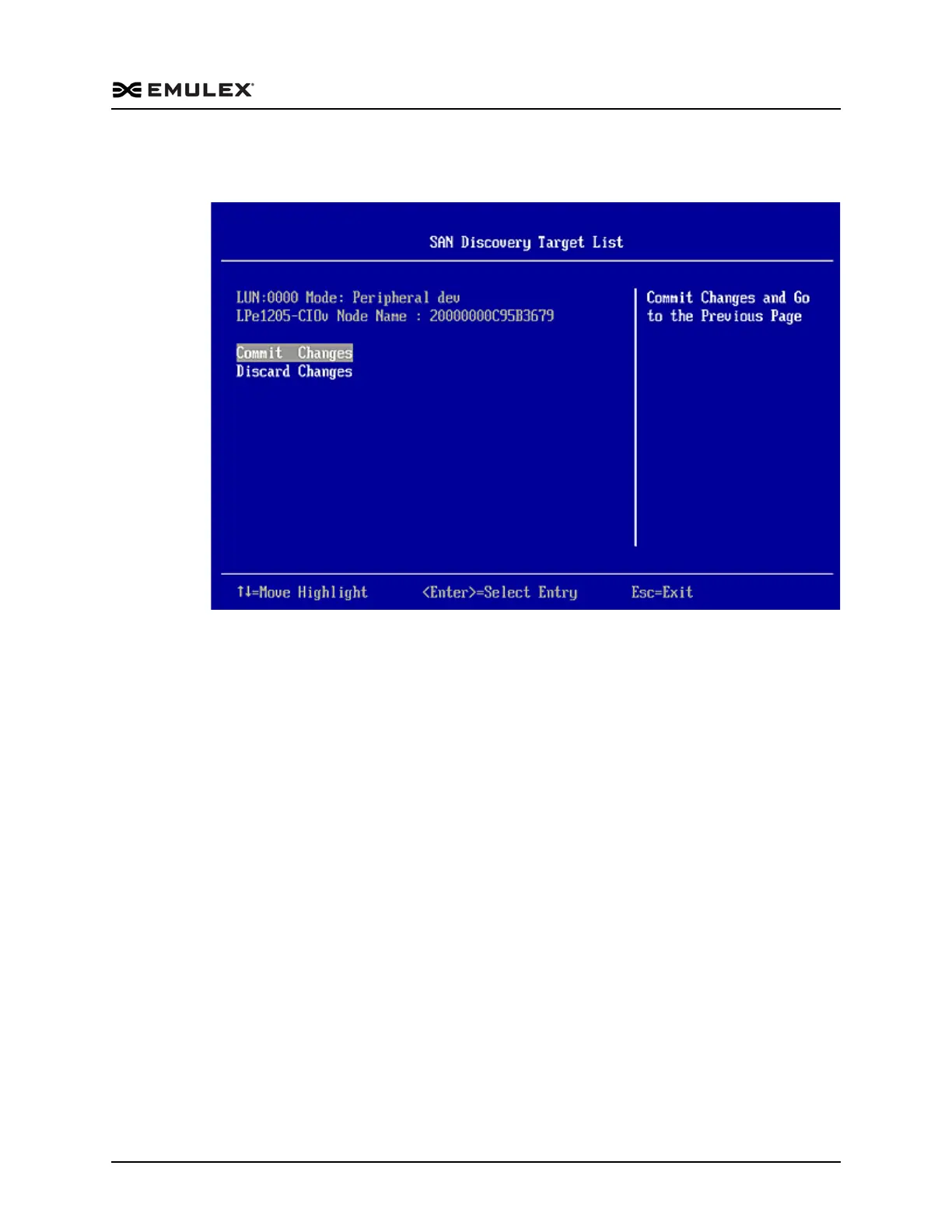
4. Select the boot device you want to add and press <Enter>. A menu appears
enabling you to commit or discard your changes.
Figure 7-8 Commit/Discard Changes Menu
5. Select Commit Changes and press <Enter>.
Delete Boot Devices
To delete boot devices:
1. From the Adapter Selection screen, select the adapter from which you want to
delete a boot devices and press <Enter>.



 To Next Page