Boot for the Fibre Channel Protocol User Manual P010096-02A Rev. A
6. EFIBoot
Install the EFI Utility
52
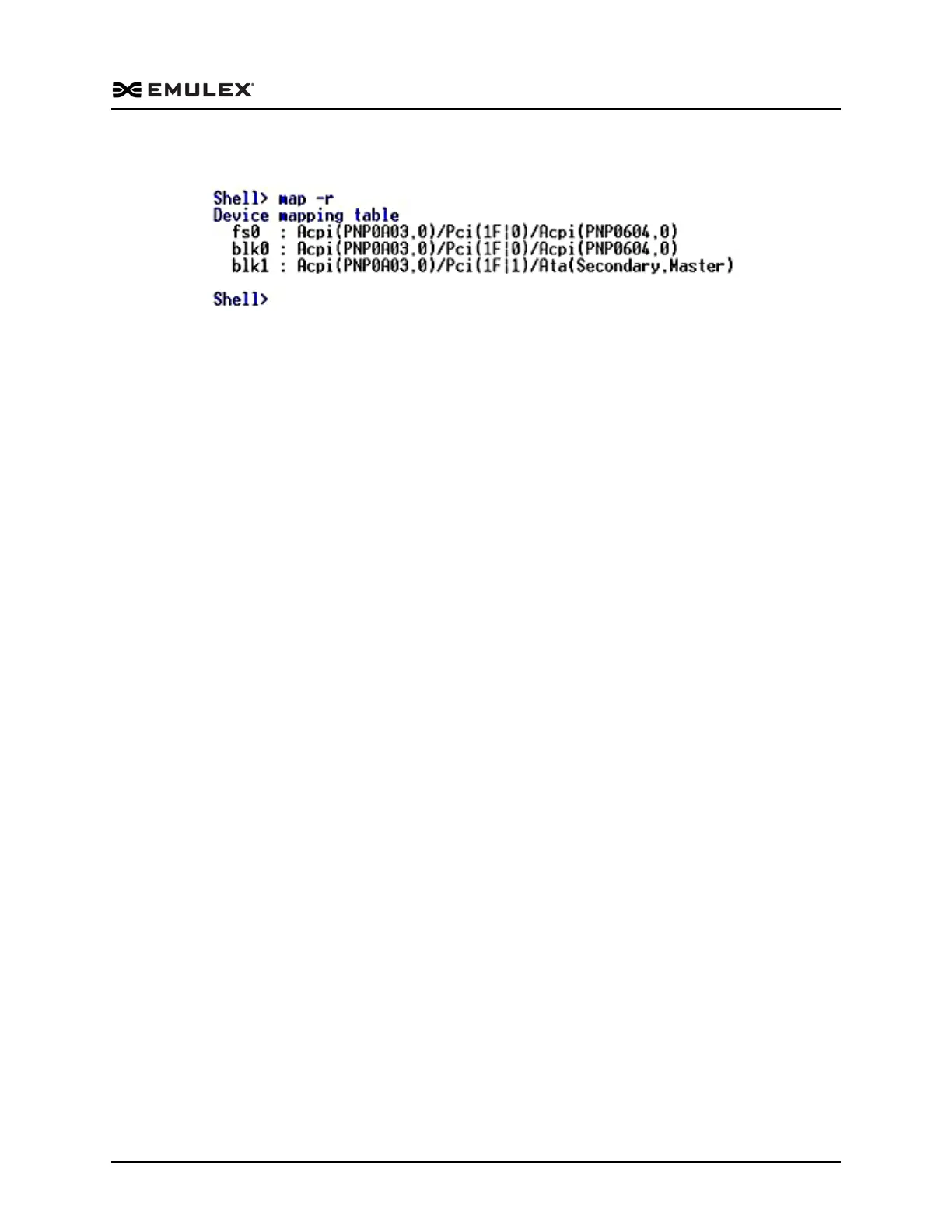
A list of drive names is displayed (Figure 6-2).
Figure 6-2 Drive List Example
4. Change to the desired drive by entering the drive name followed by a colon. For
example, type
fs0:
5. Load the EFI utility file:
load filename.efi <Enter>
where filename is name of the Emulex EFIBoot file.
The following message is displayed:
load elxcli400A2.efi
load:Image fs0: \elxcli400A2.efi loaded at 0x3FCD7000 - Success
The EFI utility is now resident in memory, and can be accessed through the drvcfg
shell command.
Note: The utility is available only until the next reboot. However, if the driver.prg file
has been stored in the flash memory on the adapter, the utility is available at
every startup as long as the adapter is in the system.
Start the EFI Utility
To access the main EFI utility:
1. View Emulex driver image handle information. At the shell prompt type
drivers <Enter>



 To Next Page