Boot for the Fibre Channel Protocol User Manual P010096-02A Rev. A
6. EFIBoot
Configure Adapter Parameters
57
Configure Adapter Parameters
The EFI utility enables you to configure the following adapter parameters:
Default ALPA
Topology
Port login (PLOGI) retry timer
Link speed
To configure adapter parameters:
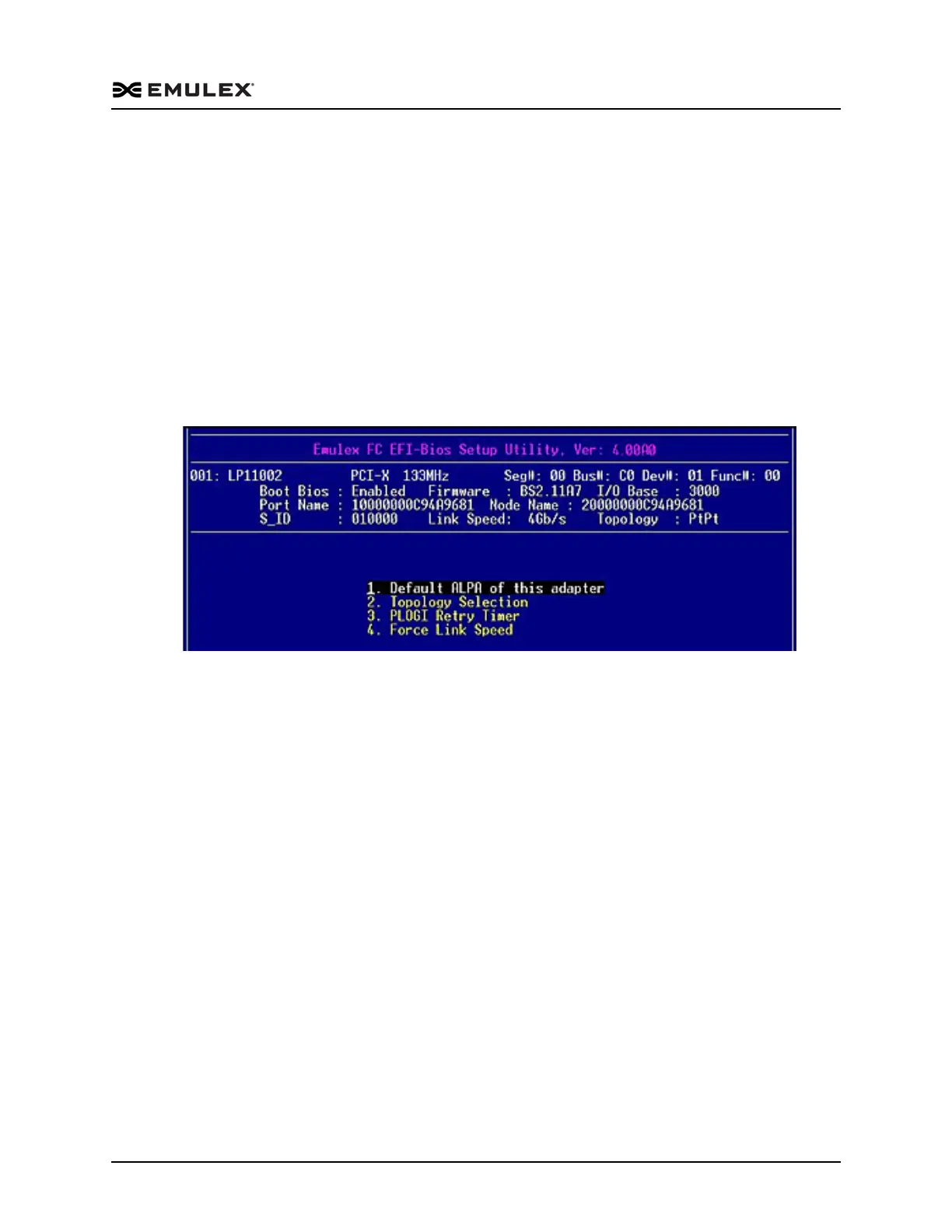
From the EFI – BIOS Setup Utility menu (Figure 6-6) select 2. Configure HBA
Parameters and press <Enter>. The Adapter Configuration (Figure 6-9) is
displayed.
Figure 6-9 Adapter Configuration Menu
Change the Default ALPA
When a device is connected to an FC arbitrated loop, the loop initialization process
(LIP) automatically assigns an ALPA to the device. This number is assigned to the
device as long as it is connected to the loop and powered up. When the device is
removed from the loop or turned off, as it is reconnected or when another LIP occurs,
the device may be assigned a different ALPA. The HardALPA=0xn parameter allows
you to permanently assign an ALPA to a host adapter. This does not alter the adapter
flash memory. The default for this parameter is 0x00. All valid ALPA values are listed
in Table 4-1, Valid ALPA Values, on page 35.



 To Next Page