Boot for the Fibre Channel Protocol User Manual P010096-02A Rev. A
8. Troubleshooting
Access the EFI Diagnostic Utility
108
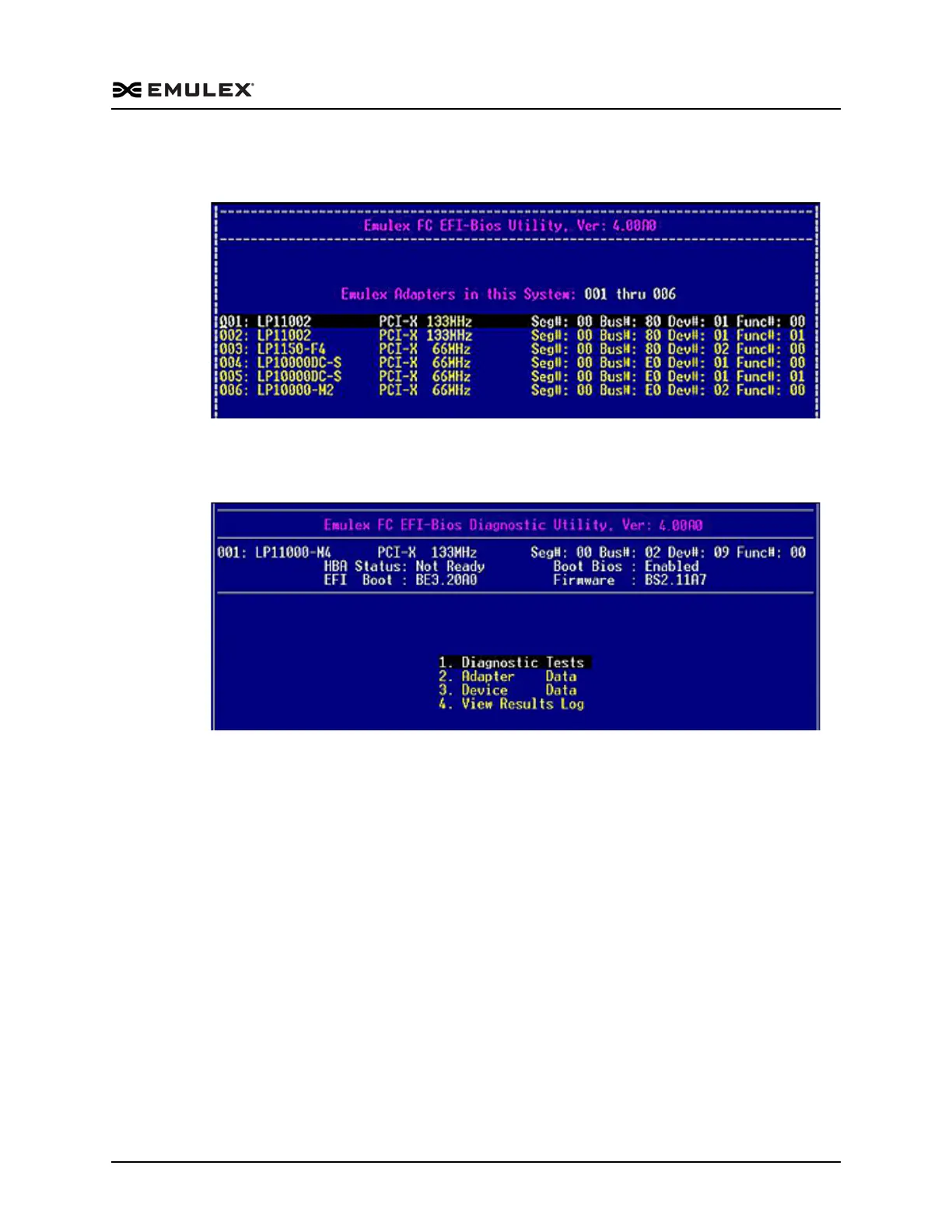
3. Press <Enter>. Information similar to Figure 8-1 is displayed (listing all adapters in
the system):
Figure 8-1 Adapter Listing Screen
4. Use the up/down arrows and to select (highlight) an adapter and press <Enter>.
The Diagnostic Main menu is displayed.
Figure 8-2 Diagnostic Main Menu



 To Next Page