Boot for the Fibre Channel Protocol User Manual P010096-02A Rev. A
6. EFIBoot
Install the EFI Utility
53
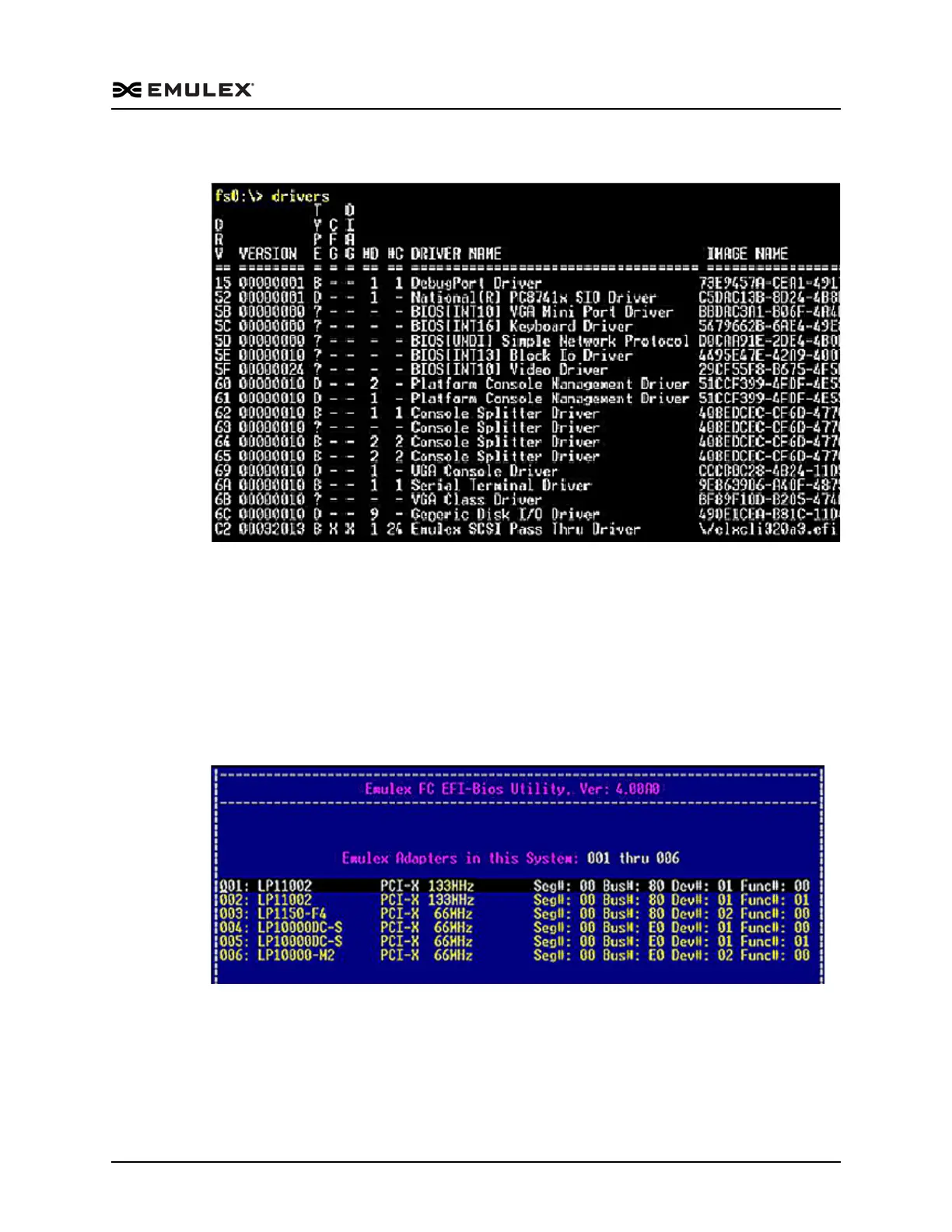
A list of drivers is displayed (Figure 6-3).
Figure 6-3 Driver Listing Screen
2. Run the drvcfg command followed by the driver image handle for the Emulex SCSI
Pass Thru Driver, for example, C2 (your driver image handle number may be
different):
drvcfg -s c2 <Enter>
A list of all the adapters in the system is displayed (Figure 6-4). Your list may vary
depending on the boot package you are using. Locate the adapter to enable, update,
configure or troubleshoot. Use the up/down arrows on your keyboard to select it,
and press <Enter>.
Figure 6-4 Adapter Listing Screen



 To Next Page