Boot for the Fibre Channel Protocol User Manual P010096-02A Rev. A
6. EFIBoot
Install the EFI Utility
54
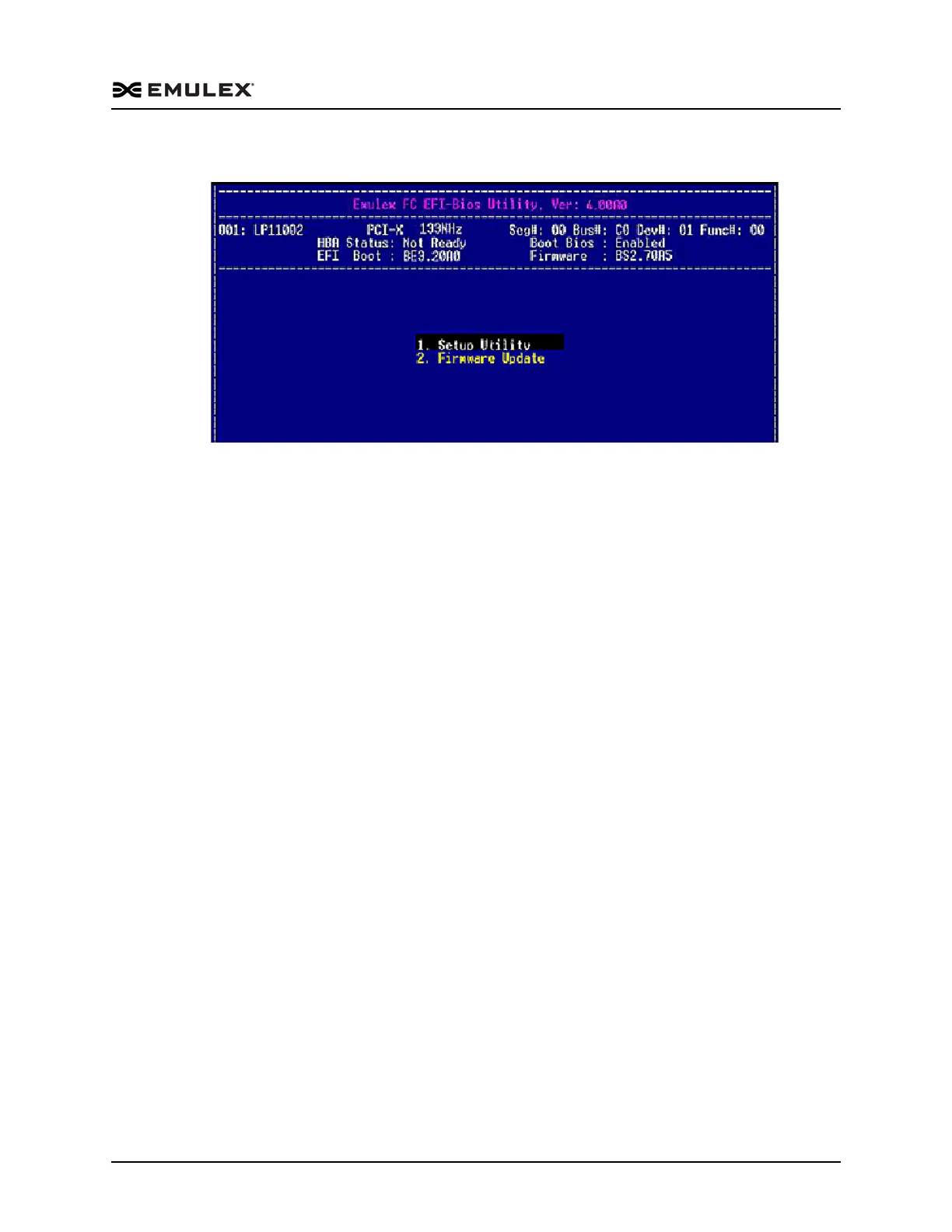
The EFI Main Utility menu is displayed (Figure 6-5).
Figure 6-5 Main EFI – Bios Utility Menu
EFI Utility Conventions
The EFI utility has menus and configuration screens with a navigation bar at the
bottom of the each one:
Press the up/down arrows on your keyboard to move through and select menu
options or configuration fields. Screens with adapter listings and information
display up to eight rows at a time. If applicable, press the up/down arrows to
scroll to additional adapters.
Press the left and right arrows to scroll through pages of information.
Press <Enter> to select a menu option, to select a row in a configuration screen,
or to change a configuration default.
Usually, press <Esc> to return to the previous menu. There are a few exceptions
to this convention.
Press <F1> to view online help for a menu item.



 To Next Page