Boot for the Fibre Channel Protocol User Manual P010096-02A Rev. A
8. Troubleshooting
Run Adapter Diagnostic Tests
119
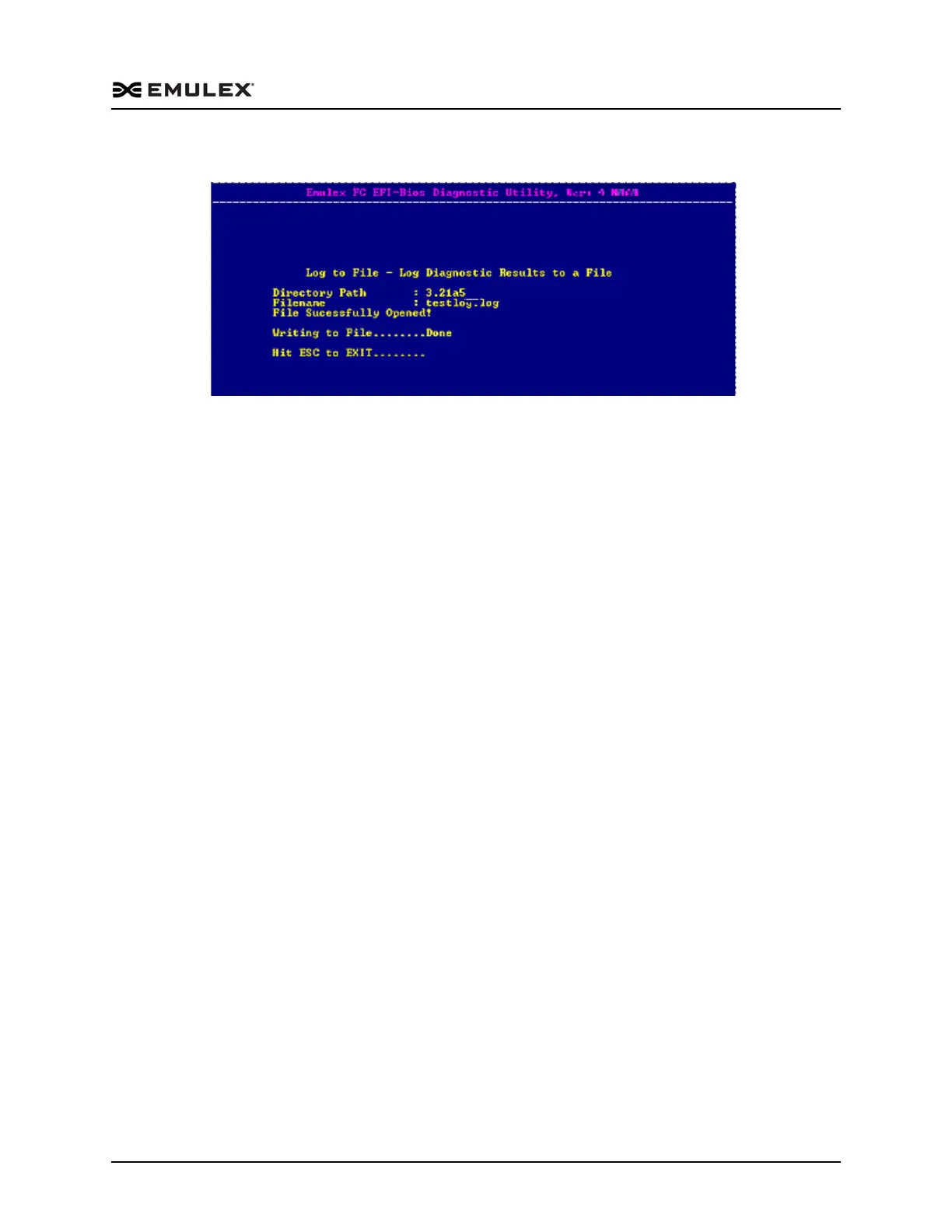
Once the file is successfully saved, a screen similar to the following is displayed:
Figure 8-24 Successful Log to File Screen
To clear the log result, press <F2>. The results on the diagnostic tests are erased, and a
new time and date is written to the log.



 To Previous Page