Boot for the Fibre Channel Protocol User Manual P010096-02A Rev. A
4. Emulex BIOS Utility
Configure Adapter Parameters
34
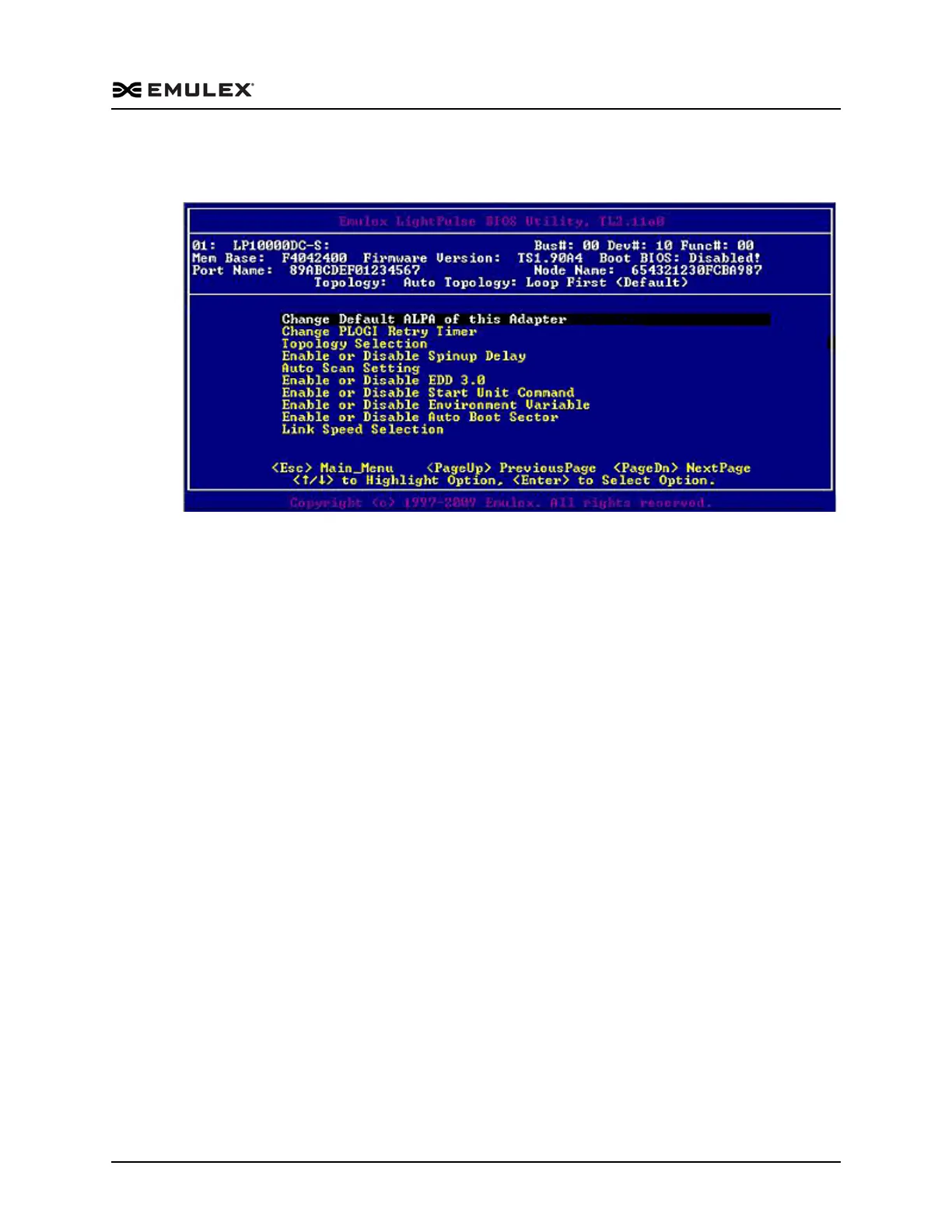
When the main configuration menu (Figure 4-2) is displayed, select Configure
Advanced Adapter Parameters. The adapter configuration menu is displayed.
Figure 4-9 Adapter Configuration Menu
Default settings are acceptable for most installations. To reset all values to their
defaults, from the main configuration menu (Figure 4-2) select Reset Adapter Defaults.
Change the Default ALPA (Arbitrated Loop Physical Address)
The default value of the ALPA for the adapter BIOS is 00 (hex). All adapters or boot
drives can be configured to other ALPAs rather than their default values.
Note: This option applies only to arbitrated loop (FC-AL).
To change the default ALPA:
1. On the main configuration menu (Figure 4-2), select Configure Advanced Adapter
Parameters. The adapter configuration menu is displayed (Figure 4-9).



 To Next Page