Boot for the Fibre Channel Protocol User Manual P010096-02A Rev. A
6. EFIBoot
Save and Restore Configurations
71
To reset parameters to their factory default settings:
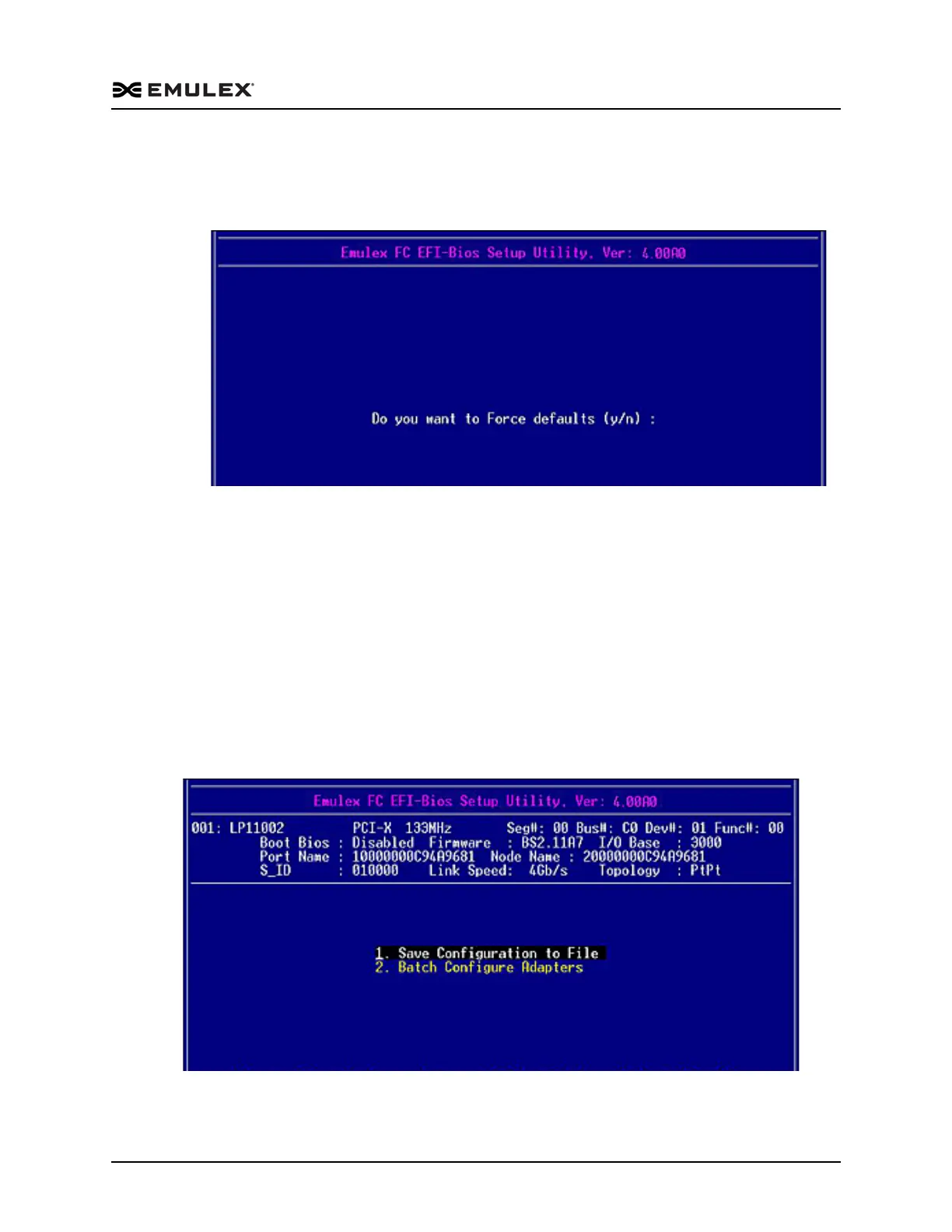
1. From the EFI-BIOS Setup Utility menu (Figure 6-6) select 4. Reset to Default
Values and press <Enter>. The screen shown in Figure 6-29 is displayed.
Figure 6-29 Force Defaults Dialog Screen
2. Press <Y>. All settings revert to their factory default values.
Save and Restore Configurations
The EFI utility enables you to save a specific configuration to a file and to restore a
previously saved configuration from NVRAM or a file. This allows you to easily apply
a specific configuration across multiple adapters or systems, and to restore the
appropriate settings if unintended changes are made.
To save or restore a configuration:
From the EFI-BIOS Setup Utility menu (Figure 6-6), select 5. Save/Restore Adapter
Config and press <Enter>. The screen shown in Figure 6-30 is displayed.
Figure 6-30 Save Configuration Menu



 To Next Page