Boot for the Fibre Channel Protocol User Manual P010096-02A Rev. A
6. EFIBoot
Update an Adapter’s Firmware or Boot Code
78
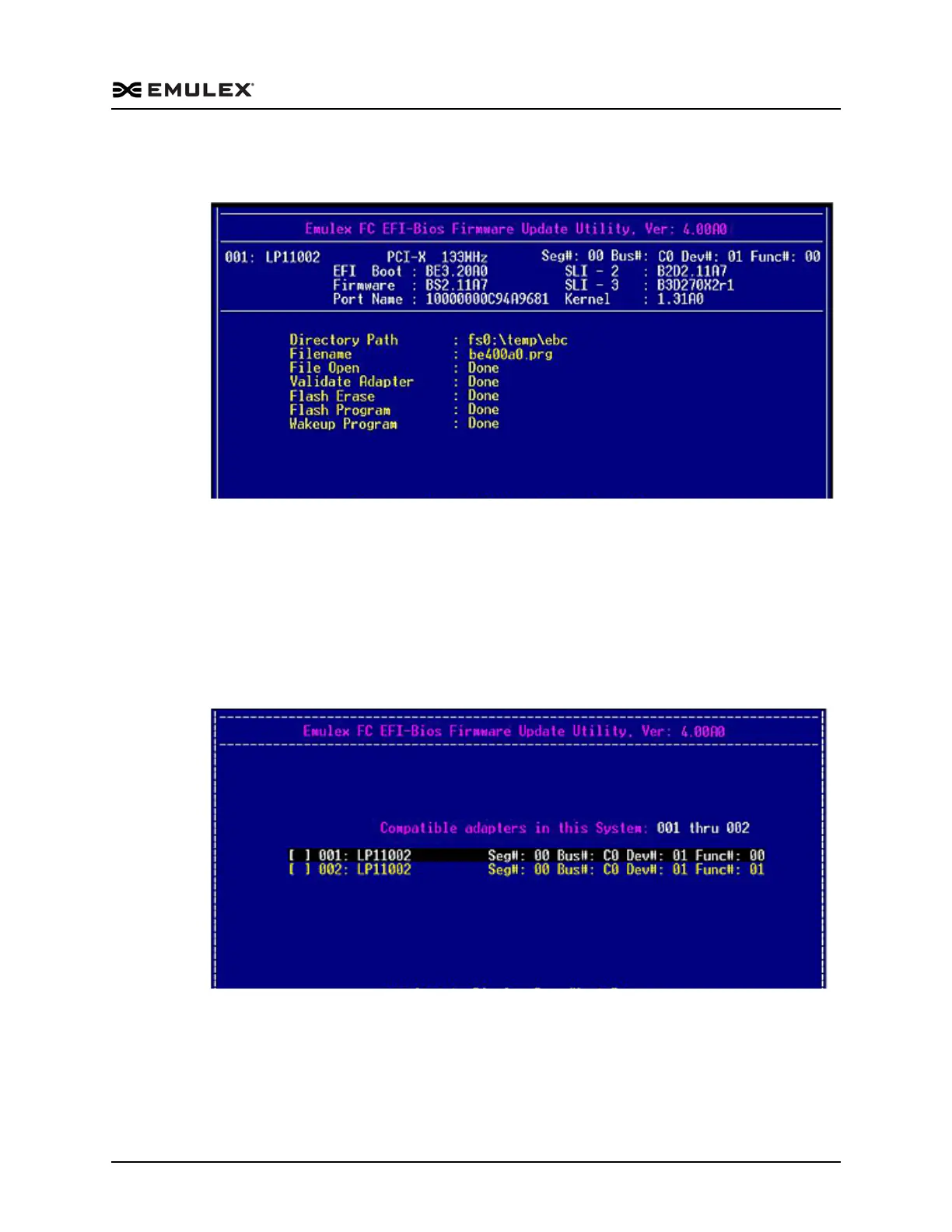
The boot code is updated on the selected adapter. Information similar to Figure 6-41
is displayed.
Figure 6-41 Successful Boot Code Update Screen
4. Reboot the system for this change to take effect.
Update Firmware or Boot Code Across Multiple Adapters
1. On the main EFI utility menu select 2. Firmware Update and press <Enter>. The
Firmware Update Utility menu is displayed (Figure 6-39).
2. Select 2. Batch Mode Update, and press <Enter>. A list of all adapters of the model
selected when you started the EFI utility is displayed (Figure 6-42).
Figure 6-42 Compatible Adapter List
3. Check the adapters you want to update. To select an adapter, use the up/down
arrow keys to highlight it, and press the space bar.



 To Next Page