Boot for the Fibre Channel Protocol User Manual P010096-02A Rev. A
8. Troubleshooting
Run Adapter Diagnostic Tests
116
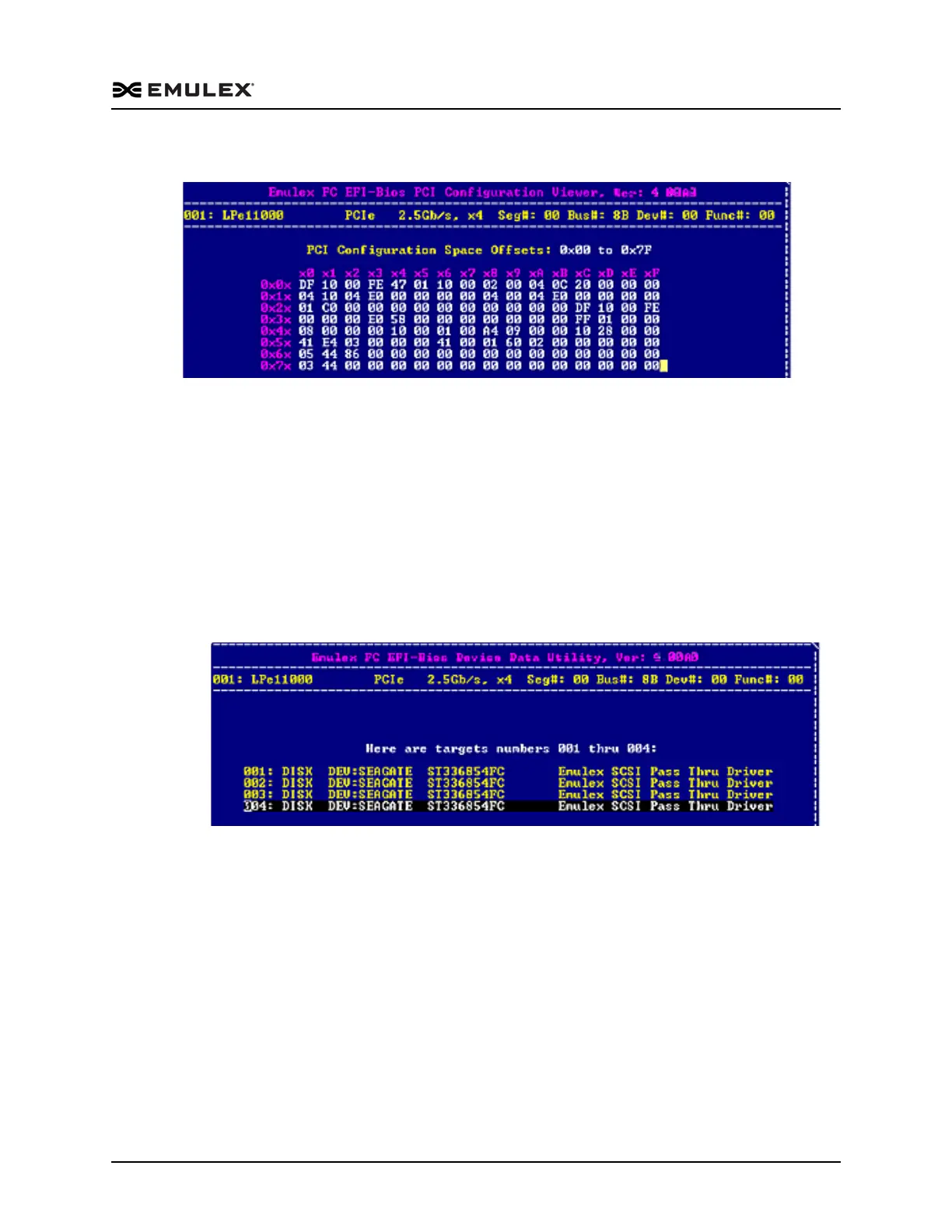
Figure 8-18 Peripheral Component Interconnect (PCI) Information Screen
Note: View up to 256 bytes of PCI configuration space using paging. 128 bytes are
displayed at a time. Use the <F2> key to select byte, word, or dword display.
View Device Data
The device data is stored in the results log and is displayed on the console in ASCII and
hexadecimal format.
To view data for attached block devices:
1. Access the Diagnostic Main menu (Figure 8-2) and select <3>. Device Data. Press
<Enter>. The Device Data Target Selection menu is displayed.
Figure 8-19 Device Data Target Selection Menu
Note: Up to eight devices are displayed per page. If there are more than eight
devices, use the left/right arrow keys to scroll to the previous/next page.



 To Next Page