Boot for the Fibre Channel Protocol User Manual P010096-02A Rev. A
6. EFIBoot
Save and Restore Configurations
74
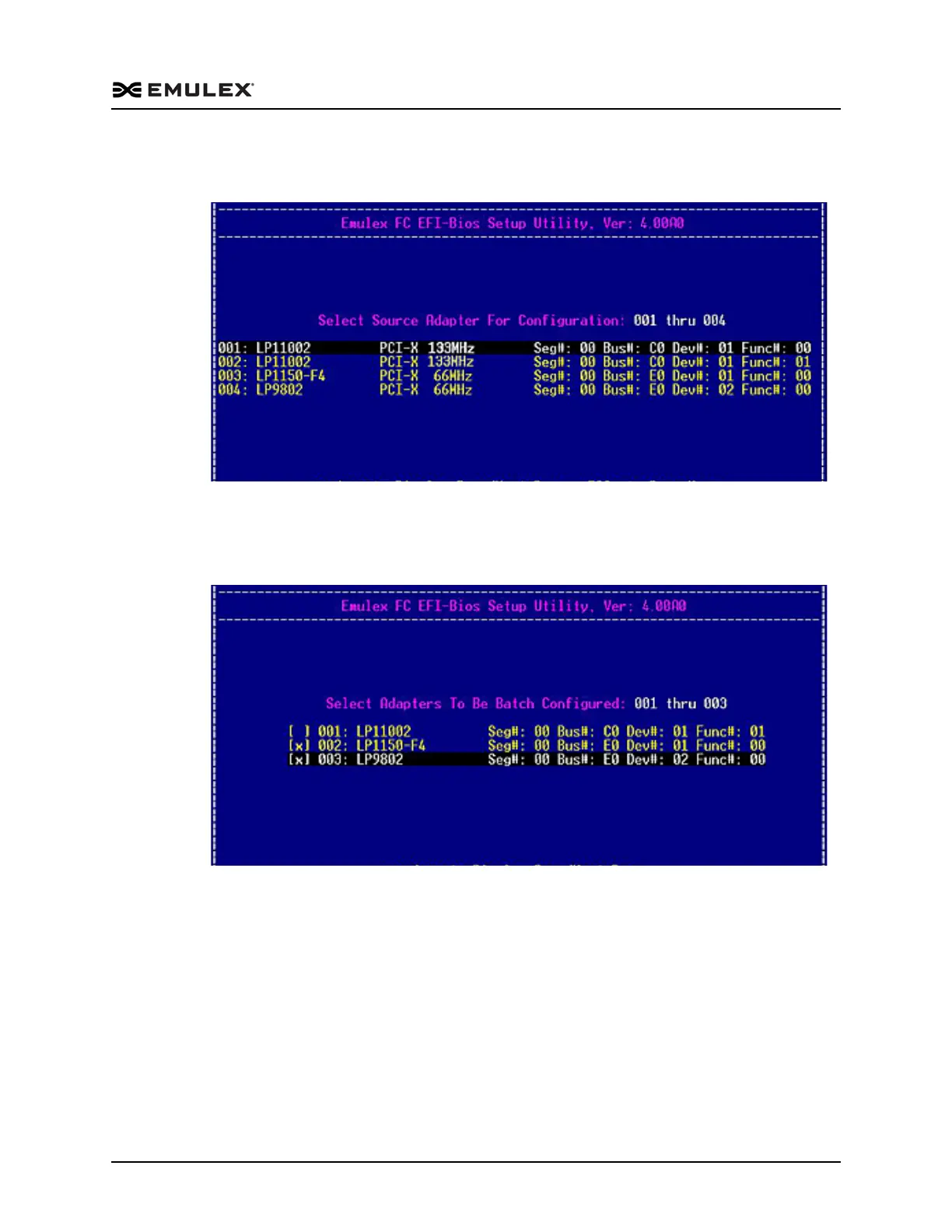
2. Select 1. Read Configuration from NVRAM and press <Enter>. A list of the
adapters in the system is displayed (Figure 6-34).
Figure 6-34 Select Source Adapter for Configuration Listing Screen
3. Use the up and down arrows on your keyboard to select the source adapter for the
configuration and press <Enter>. A menu of all adapters in your system, except the
source adapter, is displayed (Figure 6-35).
Figure 6-35 Select Adapters to be Batch Configured Listing Screen
4. Select (check) the adapters that are to be batch configured. To select an adapter,
highlight the row and press the space bar.



 To Next Page