Boot for the Fibre Channel Protocol User Manual P010096-02A Rev. A
4. Emulex BIOS Utility
Configure Adapter Parameters
35
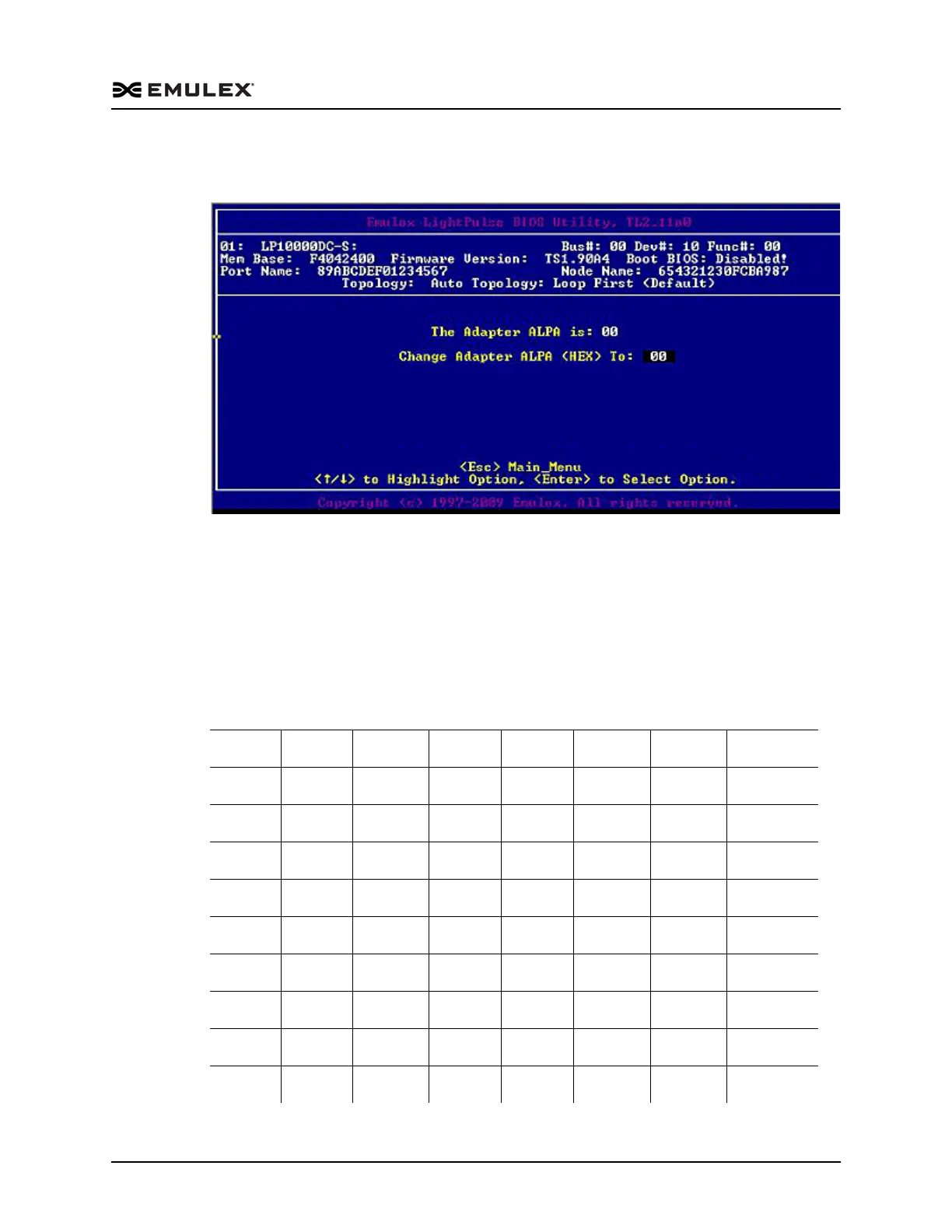
2. Select Change Default ALPA of this adapter. Information similar to Figure 4-10 is
displayed.
Figure 4-10 Change Default ALPA Screen
3. Change the default ALPA by using the arrow keys to scroll through the valid
ALPAs. Table 4-1 below lists the valid ALPA values.
4. Press <Esc> until you exit the BIOS utility.
5. Reboot the system.
Note: If the adapter's ALPA is changed, it does not show on the NVRAM ALPA
until the system has been reset.
Table 4-1 Valid ALPA Values
0x00 0x01 0x02 0x04 0x08 0x0F 0x10 0x17
0x18 0x1B 0x1D 0x1E 0x1F 0x23 0x25 0x26
0x27 0x29 0x2A 0x2B 0x2C 0x2D 0x2E 0x31
0x32 0x33 0x34 0x35 0x36 0x39 0x3A 0x3C
0x43 0x45 0x46 0x47 0x49 0x4A 0x4B 0x4C
0x4D 0x4E 0x51 0x52 0x53 0x54 0x55 0x56
0x59 0x5A 0x5C 0x63 0x65 0x66 0x67 0x69
0x6A 0x6B 0x6C 0x6D 0x6E 0x71 0x72 0x73
0x74 0x75 0x76 0x79 0x7A 0x7C 0x80 0x81
0x82 0x84 0x88 0x8F 0x90 0x97 0x98 0x9B



 To Next Page