Boot for the Fibre Channel Protocol User Manual P010096-02A Rev. A
6. EFIBoot
Configure Boot Parameters
61
Configure Boot Parameters
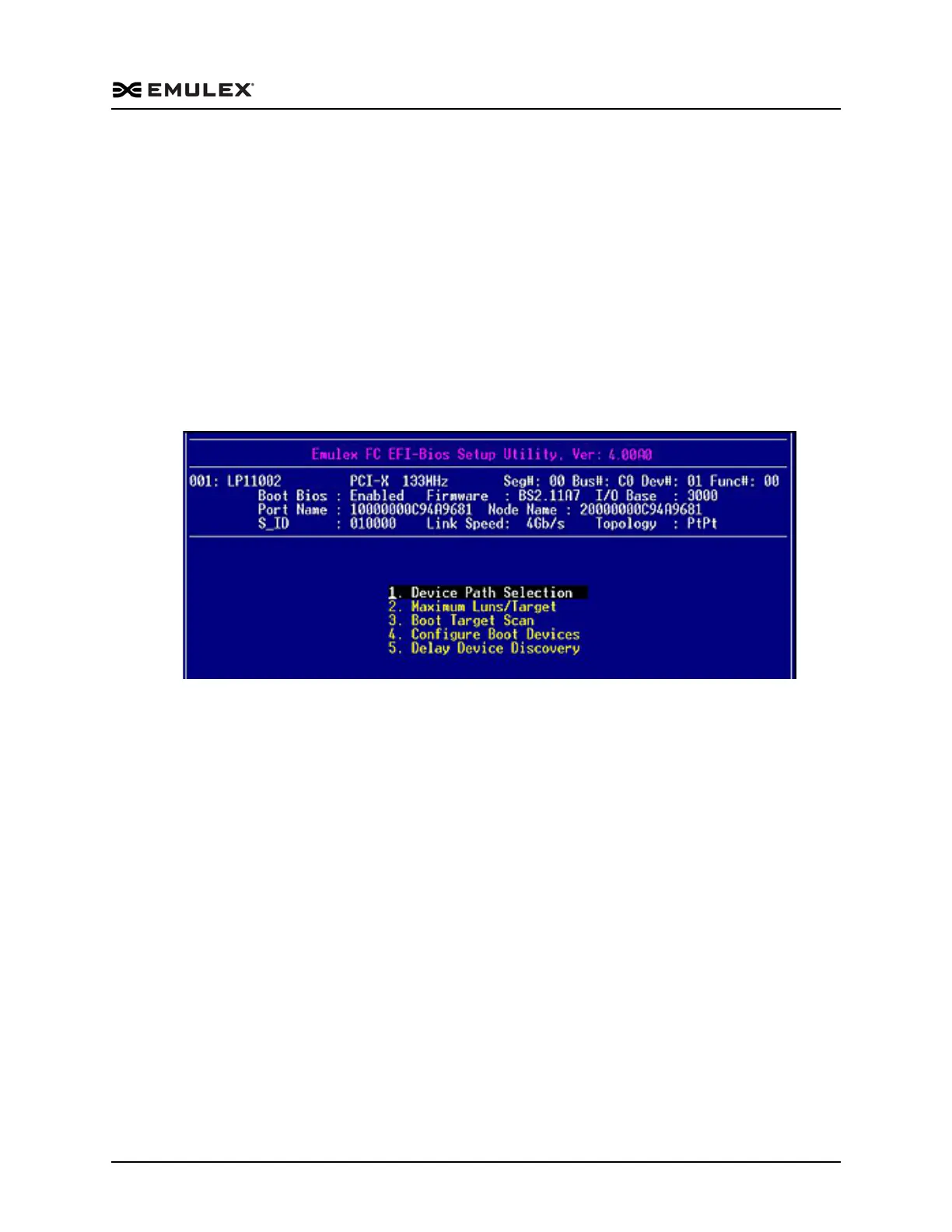
The EFI utility enables you to configure the following boot parameters:
Device path
Maximum LUNs per target
Boot target scan
Boot devices
Delay device discovery
To configure boot parameters:
From the EFI – BIOS Setup Utility menu (Figure 6-6), select 3. Configure Boot
Parameters and press <Enter>. The menu shown in Figure 6-14 is displayed.
Figure 6-14 Boot Configuration Menu
Change the Device Path
This option allows you to make the FC driver appear as a SCSI driver. This is useful for
older systems that do not have native support in the EFI system firmware or boot code
for FC device paths.



 To Next Page