Boot for the Fibre Channel Protocol User Manual P010096-02A Rev. A
6. EFIBoot
Configure Boot Parameters
67
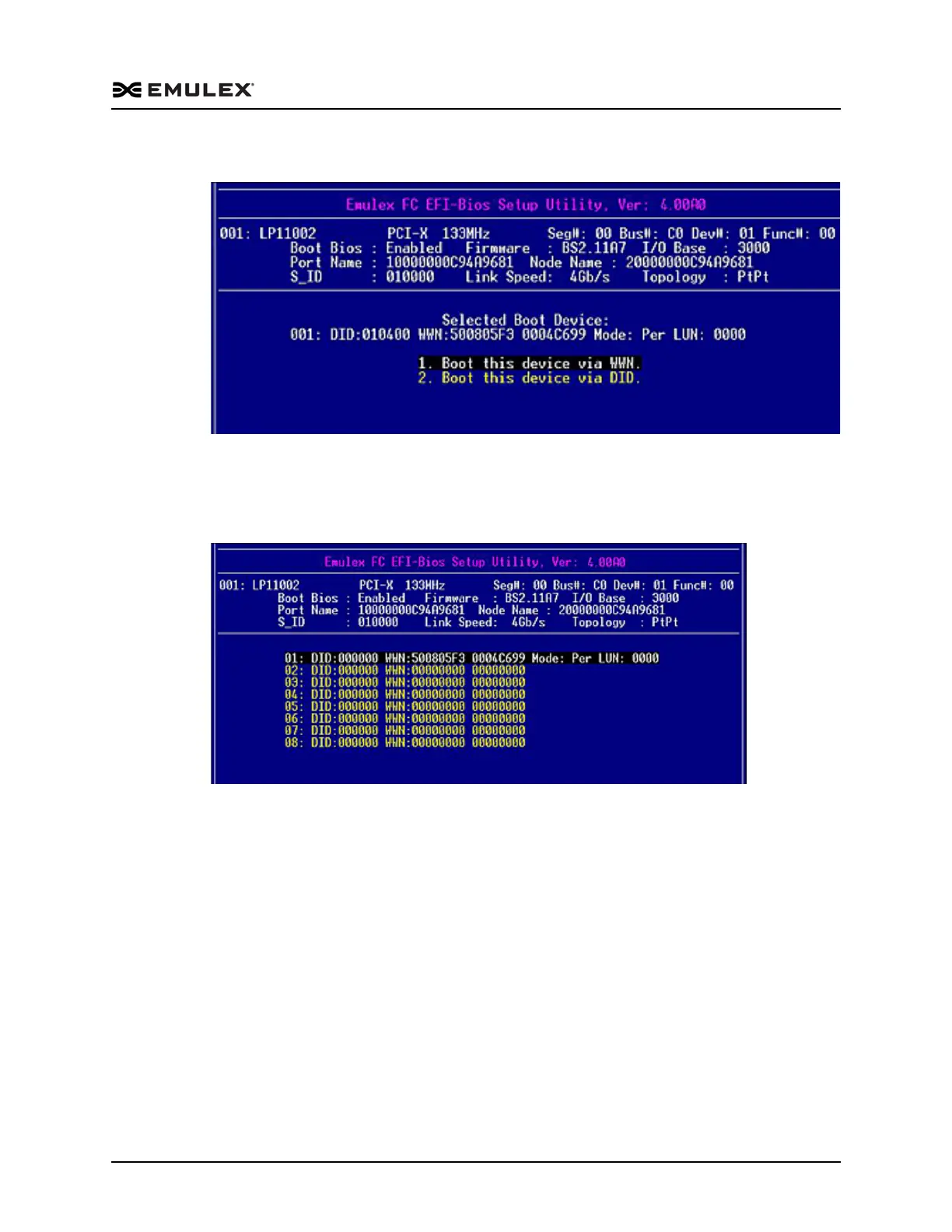
6. Select a LUN and press <Enter>. The screen shown in Figure 6-24 is displayed.
Figure 6-24 LUN Boot Options Menu
7. Press <Esc> to return to the list of devices.
8. Select 1. Boot this device via WWN and press <Enter>. Figure 6-25 shows the LUN
selected in step 5.
Figure 6-25 Device Rows with a Selected LUN to Boot with WWNN Screen
9. Press <Esc> until you return to the EFI utility menu.



 To Next Page