Boot for the Fibre Channel Protocol User Manual P010096-02A Rev. A
6. EFIBoot
Configure Adapter Parameters
58
To change the default ALPA:
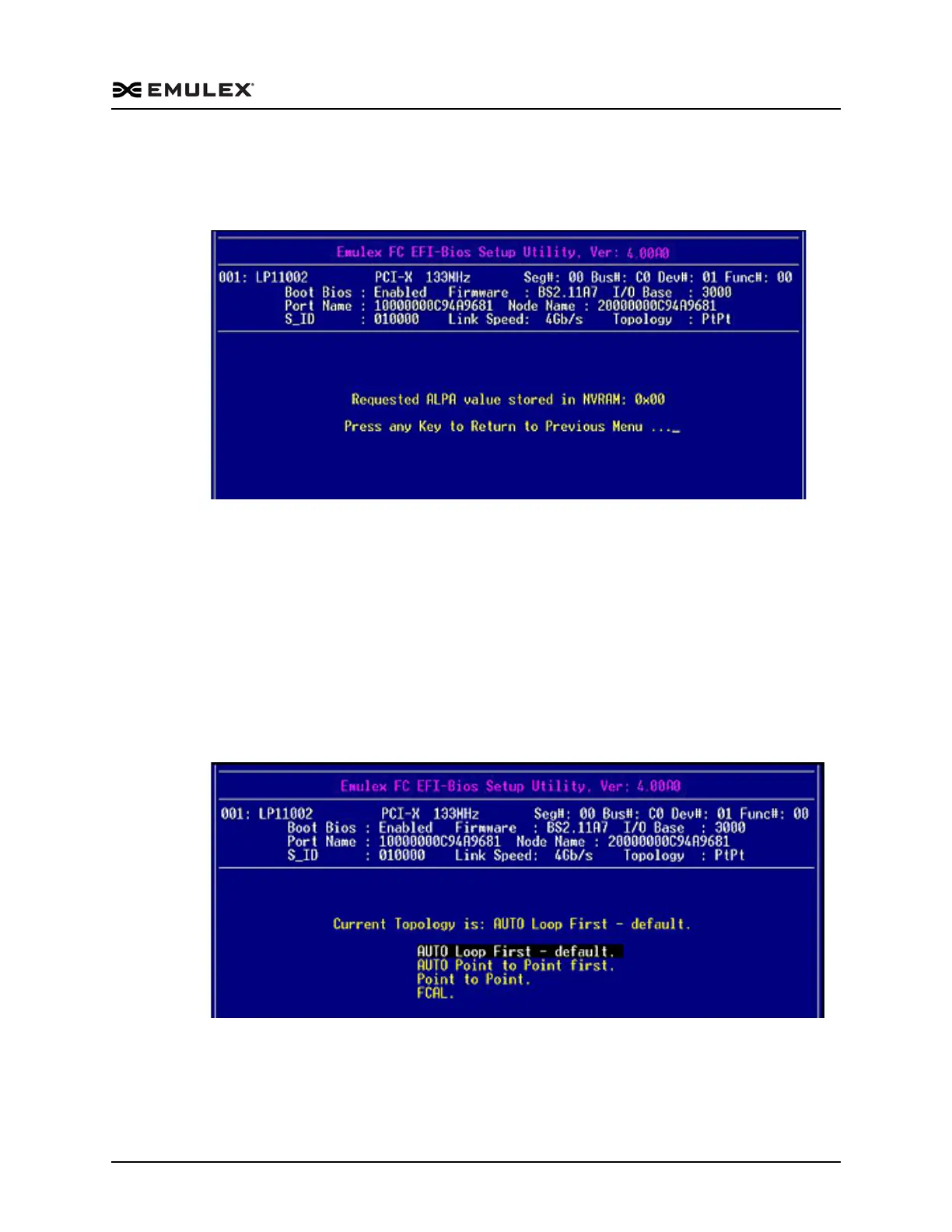
1. On the Adapter Configuration menu, select 1. Default ALPA of this adapter and
press <Enter>. A screen similar to Figure 6-10 is displayed.
Figure 6-10 Default ALPA Setup Screen
2. Select the HardALPA value field, use the up/down arrows to change the default
value, and press <Enter>. The new value is displayed.
3. Press <Esc> to return to the EFI utility menu.
Change the Topology
Emulex drivers support arbitrated loop and point-to-point topologies.
To change the topology:
1. On the Adapter Configuration menu, select 2. Topology Selection and press
<Enter>. The screen shown in Figure 6-11 is displayed.
Figure 6-11 Topology Options screen
2. Use the up/down arrows to select a different topology and press <Enter>. The
screen is refreshed with the new value.
The presence of a fabric is detected automatically.



 To Next Page