Checking Printer Status and Managing the Print Jobs for Macintosh 7-3
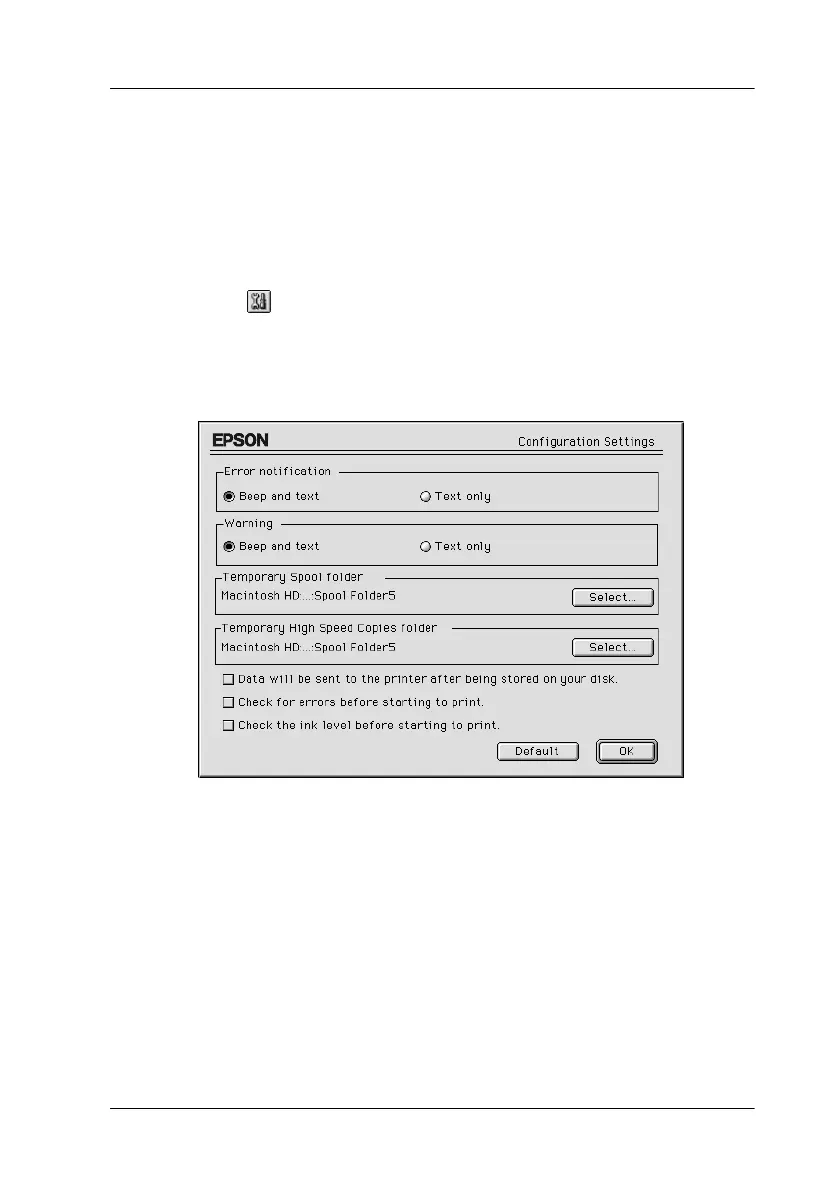
Making Configuration Settings
If you want to change the way the StatusMonitor utility monitors
the Stylus Scan’s printing functions, follow the steps below.
1. Click Print or Page Setup on the File menu of your
application.
2. Click
the Utility icon button in the dialog box.
3. Click the Configuration button. The Configuration Settings
dialog box appears.



















 To Next Page