ER1 User Guide A-9
Assembling Your “Assembled” ER1
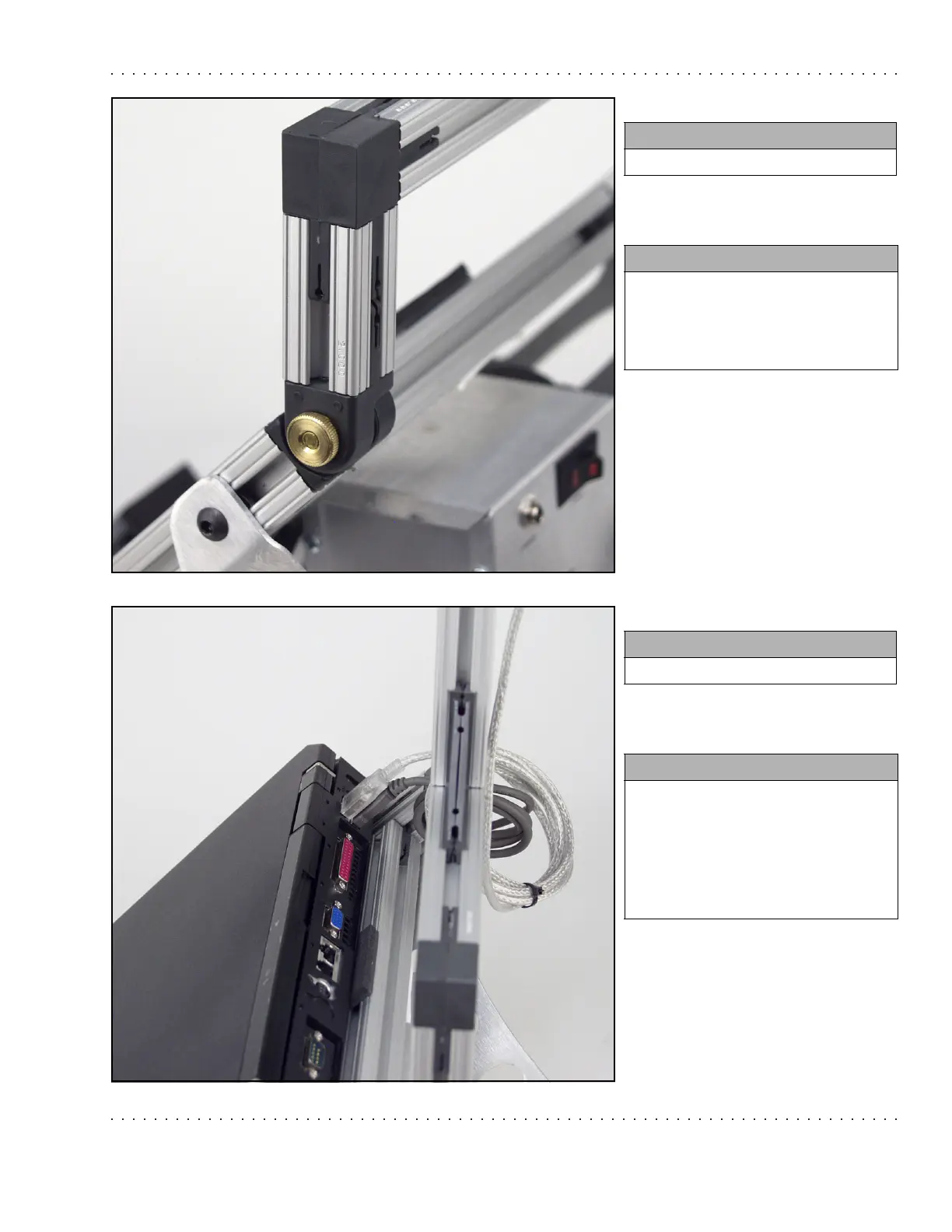
Step 4.
Step 5.
You need:
• 2 Thumbnuts
Instructions:
• Screw the thumbnuts onto the
screwposts.
• Make sure that they are firmly
secured.
You need:
• 1 Laptop
Instructions:
• Plug the webcam into one of the
USB ports on the back of your
laptop (different for every
laptop).
• Plug the RCM into the another
USB port.



 To Next Page