ER1 User Guide B-3
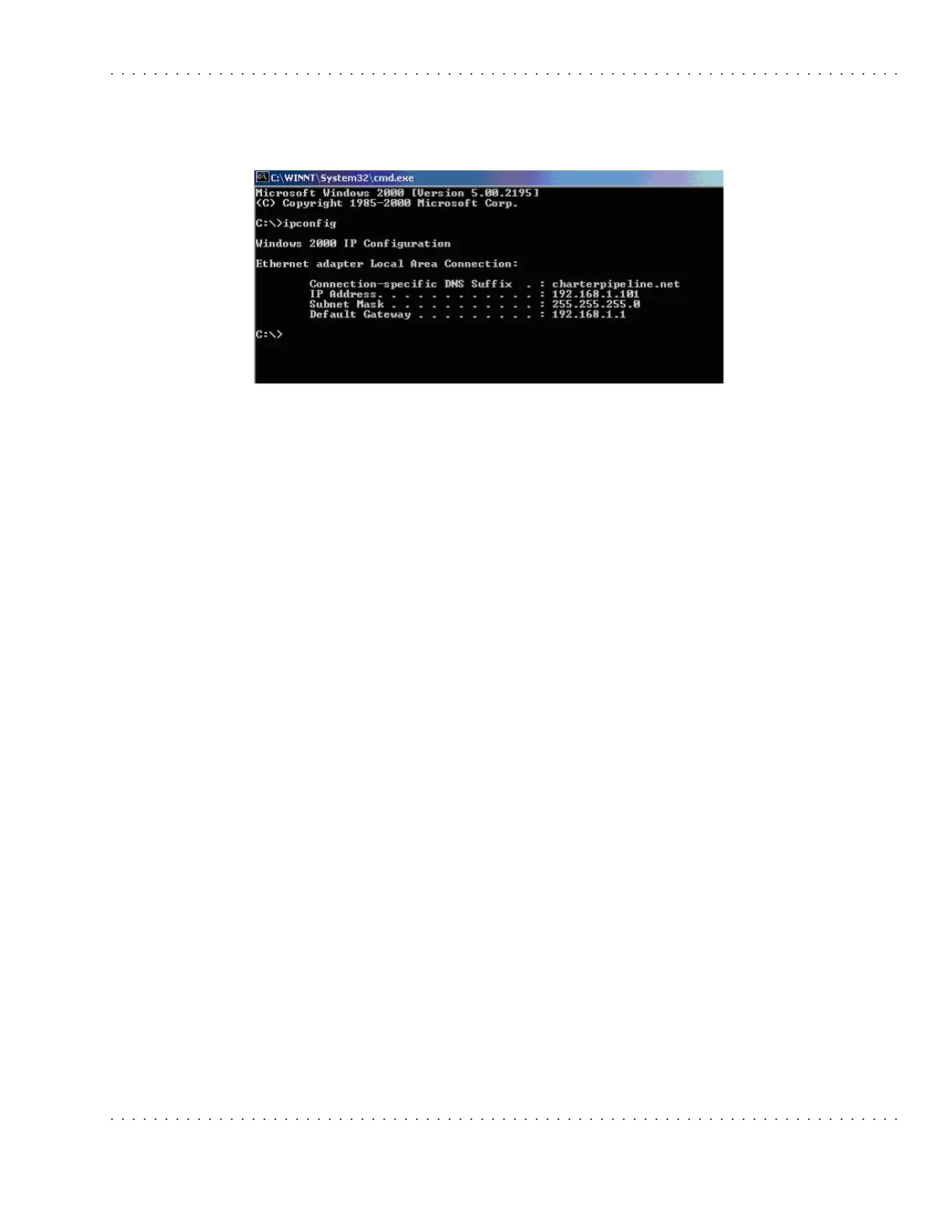
in a DOS command window on the robot laptop. The command window can be opened by
selecting Start>Run and typing in
cmd on Windows XP or 2000, or command on Windows
98 or Me. It should look like this:
In the previous case shown, the IP address of the robot laptop is 192.168.1.101. The user
will need to specify that port 9000 be forwarded to this IP address in the port forwarding
configuration page of the home router. Once port forwarding of the teleoperation port is
set up, you should be able to connect to the robot laptop and remotely operate the robot
from work. Some home routers block all connections from the Internet by default as a
safeguard against hacking. This feature will need to be disabled to allow the teleoperation
client to connect to the robot. You should consult your hardware’s documentation to see
whether the hardware you are using has this safeguard and, if so, how to turn it off.



 To Next Page