ER1 User Guide 2-11
Trying Out the Software
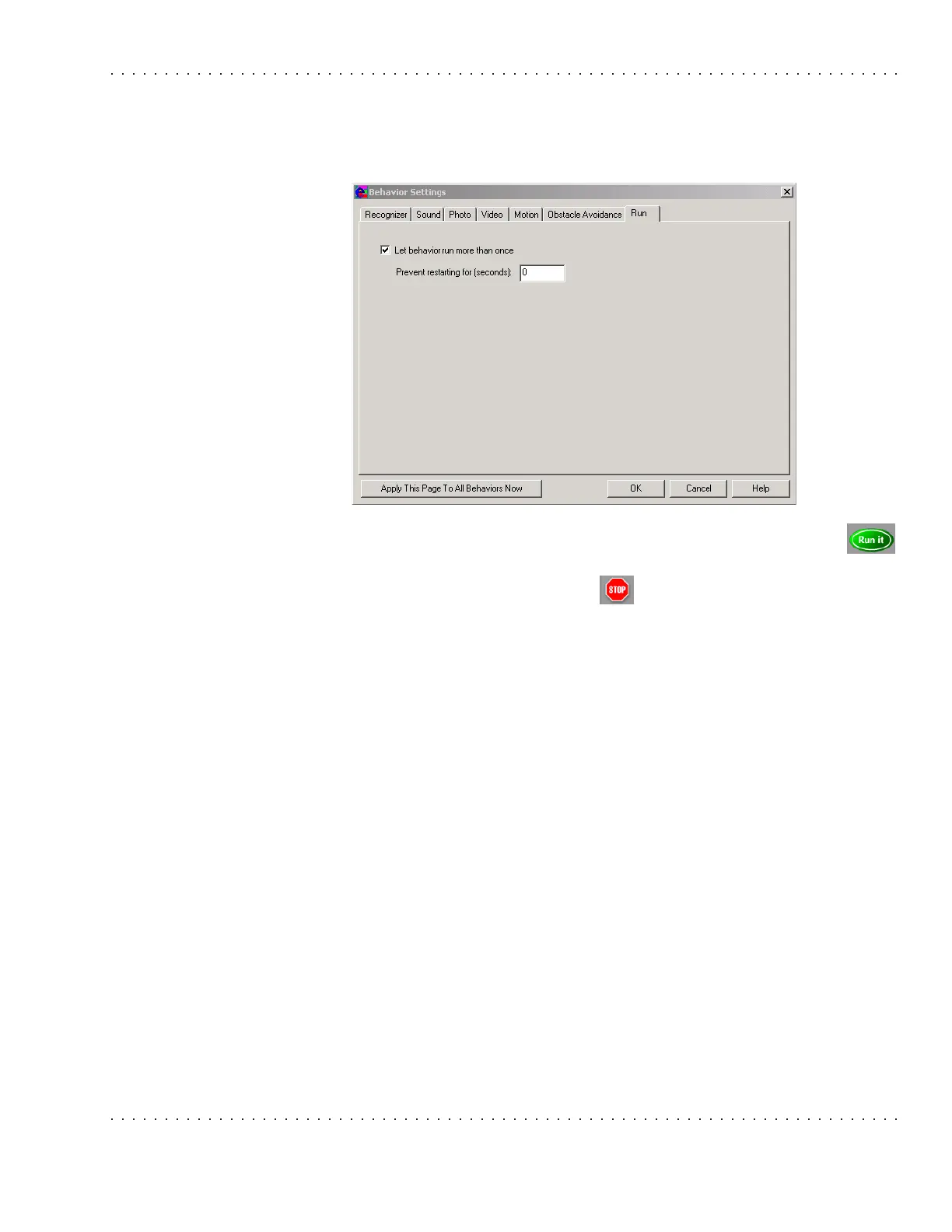
24. Select the Run tab. Select the Let behavior run more than once checkbox. Click on
the Apply This Page to All Behaviors Now button. Click on the Ok button.
25. Ok, let’s try it. Click on the Run it button and show the robot the paper with
the number 8 on it. The robot will do a figure 8.
26. To stop the robot, click on the Stop button.



 To Next Page