101
Trendline 3
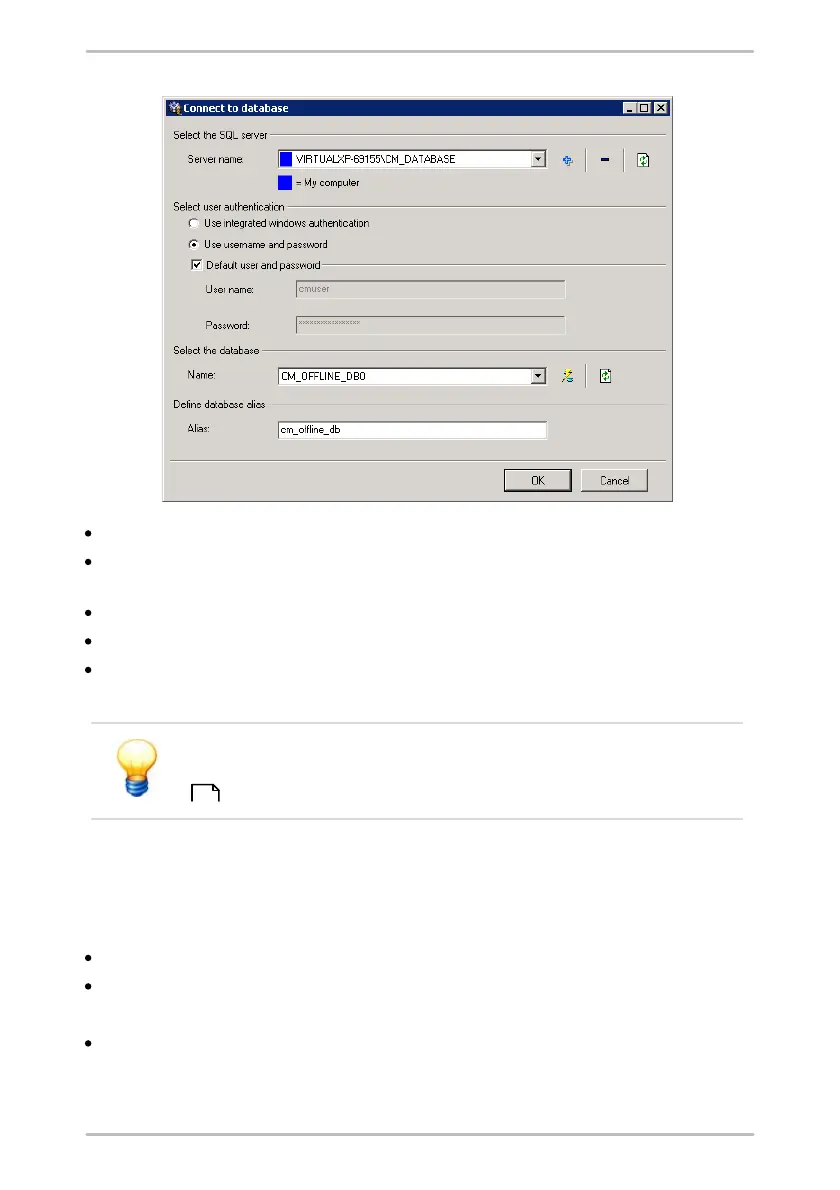
Select from the Server name list the database server or enter it manually.
Define the User authentication for the database server access and enter user
name and password if necessary.
Select the CM database from the Name list (e.g. "CM_OFFLINE_DB0").
Enter an Alias name for the database optionally.
Click OK.
The selected CM database can be used.
You can find further information to the settings of the database
connection dialog in the chapter "Select CM database on server"
.
4.5.6 Delete database
To delete a CM database proceed as follows:
Open the Trendline database.
Click in the menu on Extras > Delete current database.
A safety information is displayed.
Click Delete.
The database will be deleted irreversibly.
93



 To Next Page