76
Balancing report
Click on to generate a balancing report .
Delete balancing data
To delete the data obtained during a balancing measurement
click the corresponding entry in the list then click and
confirm deleting with Yes.
4.4.8 Set up amplitude/phase configuration
To create an amplitude/phase configuration,
click on a Level 3 configuration element (e.g. a machine or motor).
Then click System > Add amplitude/phase configuration.
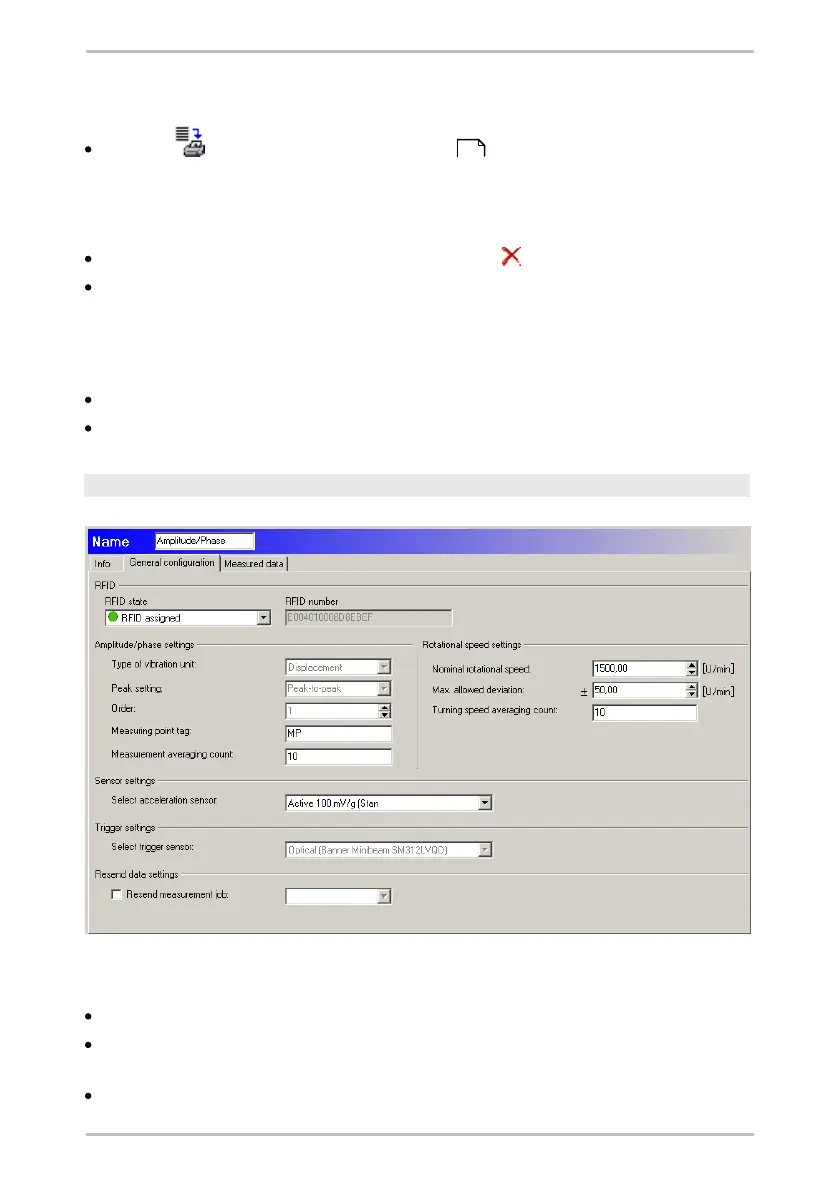
General settings
RFID status
No RFID: No RFID tag is assigned to the measuring point.
Assign RFID: This option instructs the Detector to assign an RFID tag placed
on the machine to this measuring point during the next round.
RFID assigned: An RFID tag is assigned to the measuring point. The unique ID
133



 To Next Page